5 Basic Operations
108
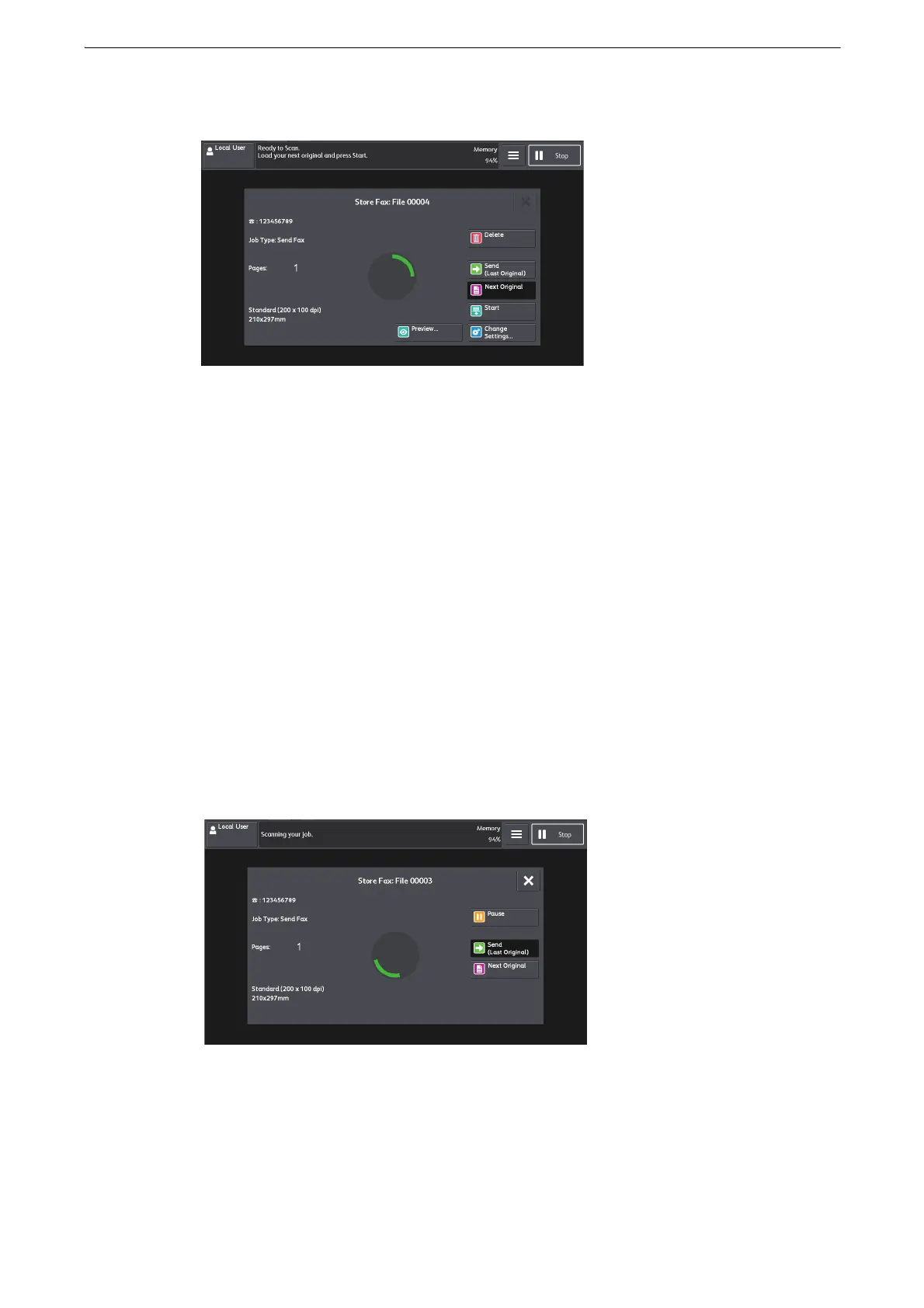
5 When all documents have been scanned, select [Send (Last Original)].
Step 6 Confirming the Fax Job in Job Status
You can confirm the status of fax jobs on the [Job Status] screen.
1 Select [Job Status] on the Home screen.
2 Confirm the job status.
z
You can select a status and type of the job to be displayed.
If undelivered faxes exist
You can confirm undelivered faxes on the [Job Status] screen or in an Activity Report.
Stopping the Fax Job
To cancel scanning a fax document, use the following procedure.
1 Select [Pause].



 To Next Page
 Loading...

