6 Maintenance
144
Replacing the Staple Waste Container
When the Finisher D6 with Booklet Maker is installed and the staple waste container
becomes full, a message appears on the touch screen. Replace the staple waste container
according to the message.
z
Replace the staple waste container while the power is on.
z
A staple waste container is included in a staple cartridge.
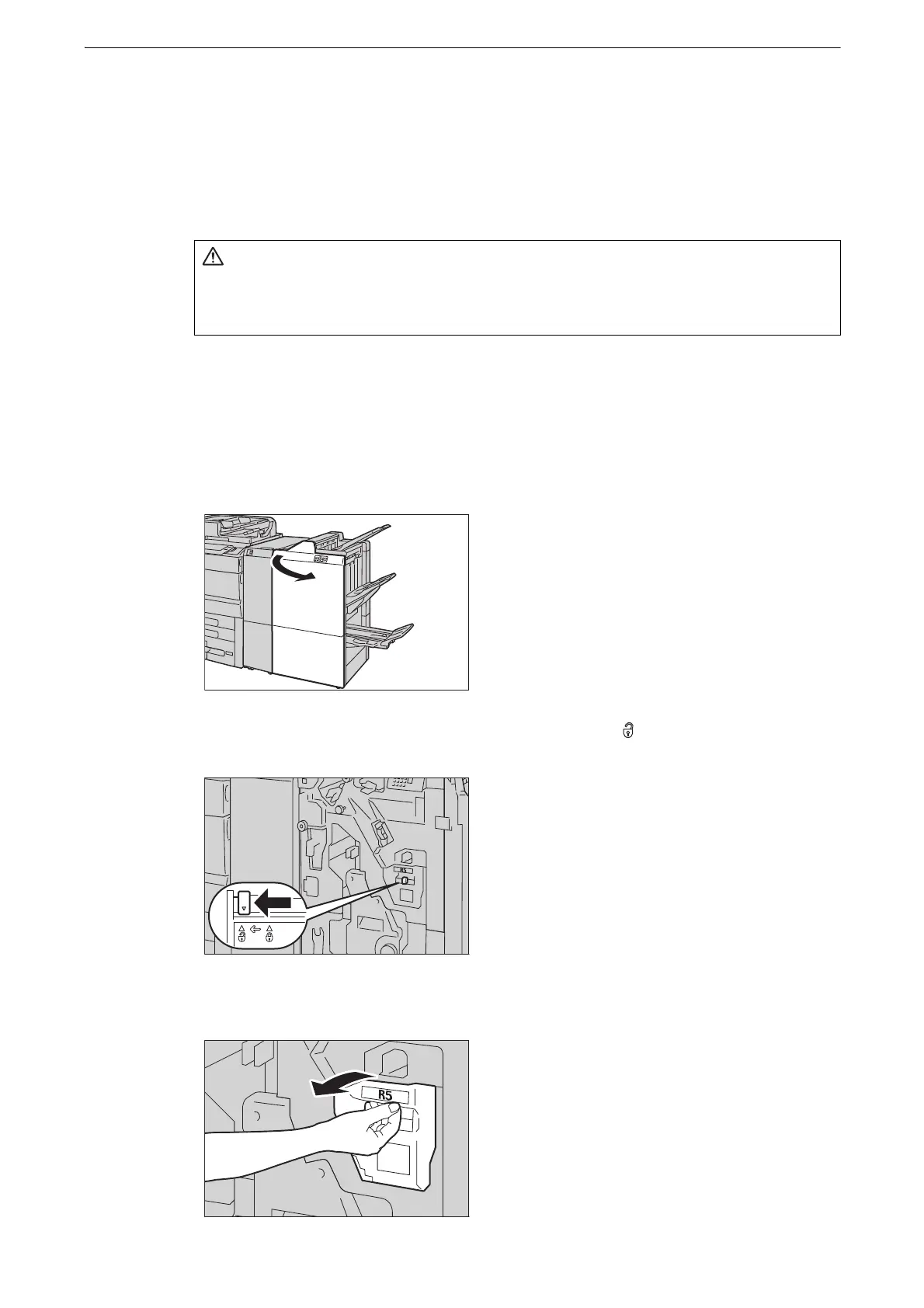
1 Make sure that the device has stopped, and open the finisher front door.
2 Move the lock lever in the lower part of [R5] leftward to the ( ) position.
3 Pull out [R5].
z
Be careful not to get injured by waste staples when detaching a staple waste
container.


 To Next Page
 Loading...


