7 Problem Solving
206
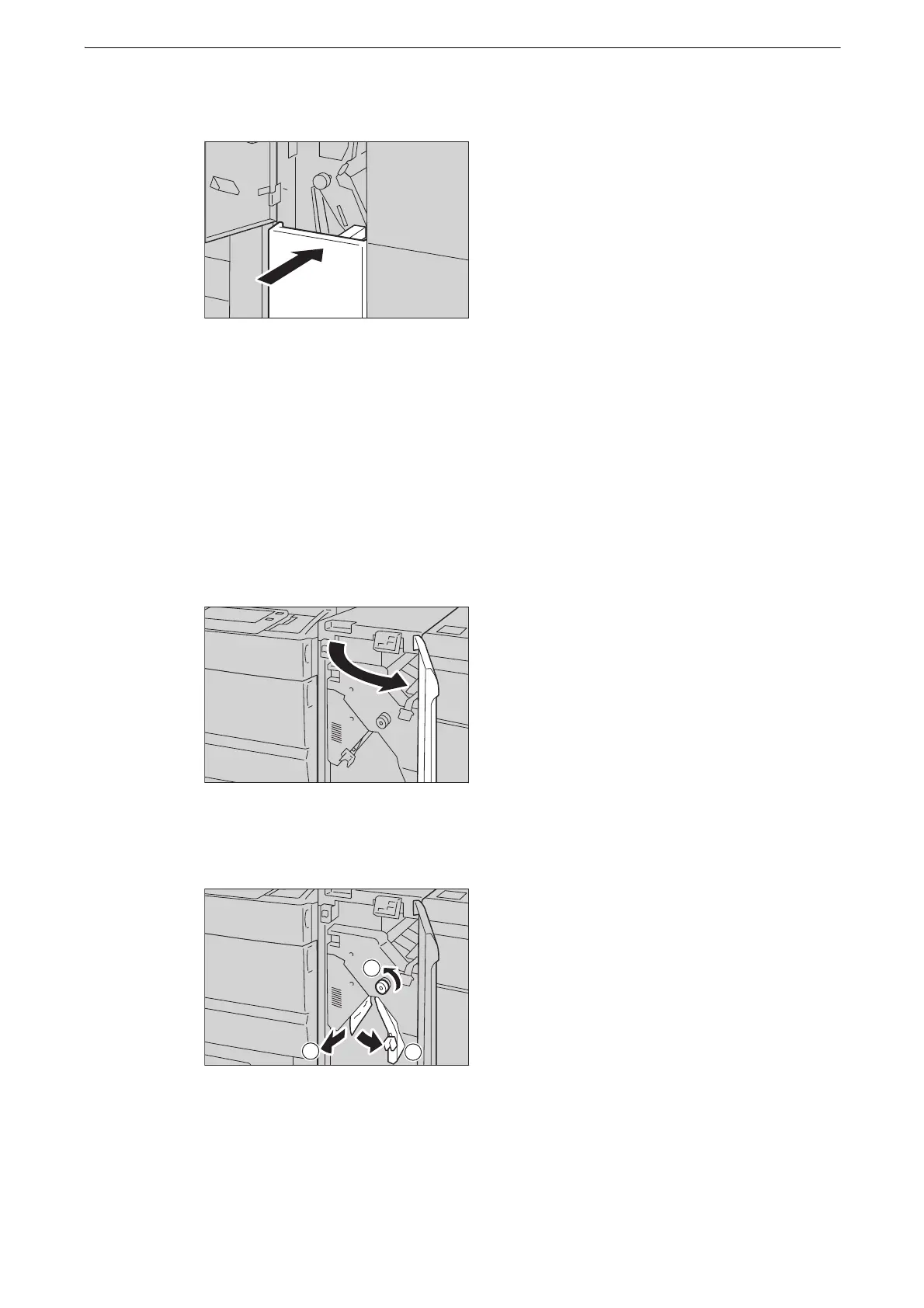
7 Slowly push in the Tri-fold output tray [2d].
8 Close the door.
z
If the folder unit front door is not closed completely, a message appears and the device will remain paused.
Paper Jams in Interface Decurler Module D1
The following describes how to clear paper jams in Interface Decurler Module D1
(optional).
1 Open the Interface Decurler Module front door.
2 Move handle [1a] downwards (1), turn knob [1b] to the left (2), and remove the jammed
paper (3).
z
Make sure to turn the knob 10 times or more.
z
To remove the paper, slowly pull it out.
z
The jammed paper may be hidden in the top part.



 To Next Page
 Loading...

