7 Problem Solving
164
2 Remove the jammed paper.
z
If the paper is torn, make sure no pieces of paper remain inside Tray 6.
3 Push the tray in gently until it stops.
Paper Jams in Tray 6 (High Capacity Feeder B1-S)
The following describes how to clear paper jams in Tray 6 (High Capacity Feeder B1-S
(optional)).
z
Remedy differs depending on where the paper jam occurs. Follow the instructions displayed and remove the
jammed paper.
When Lamp E6 is Lit
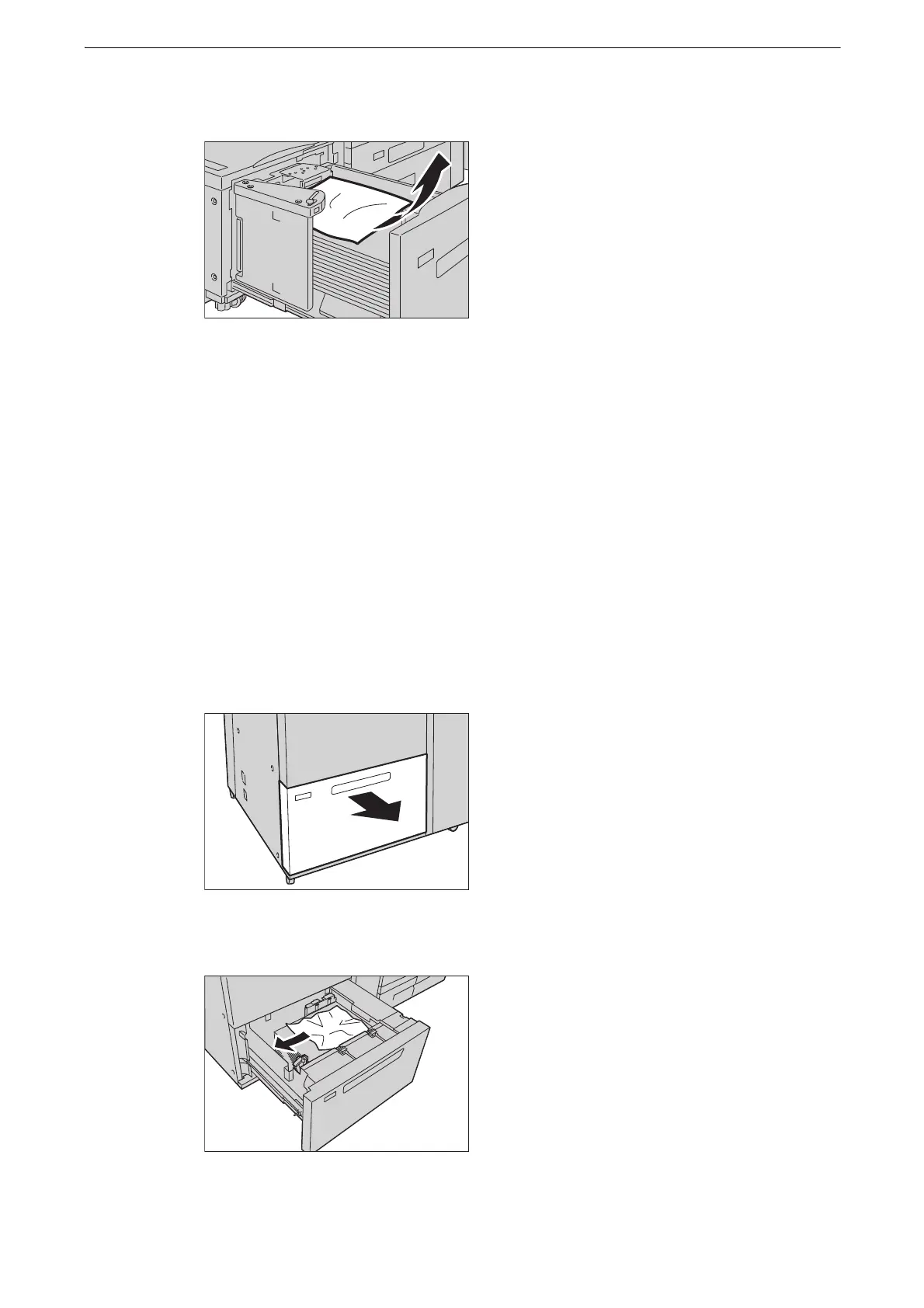
1 Pull out Tray 6 until it stops.
2 Remove the jammed paper.
z
If paper is torn, check for any torn pieces of paper in the tray.



 To Next Page
 Loading...

