7 Problem Solving
156
Paper Jams in Tray 5 with High Capacity Feeder B1-S
The following describes clearing paper jams from Tray 5 (Bypass) when High Capacity
Feeder B1-S (optional) is installed.
When Lamp E5 is Lit
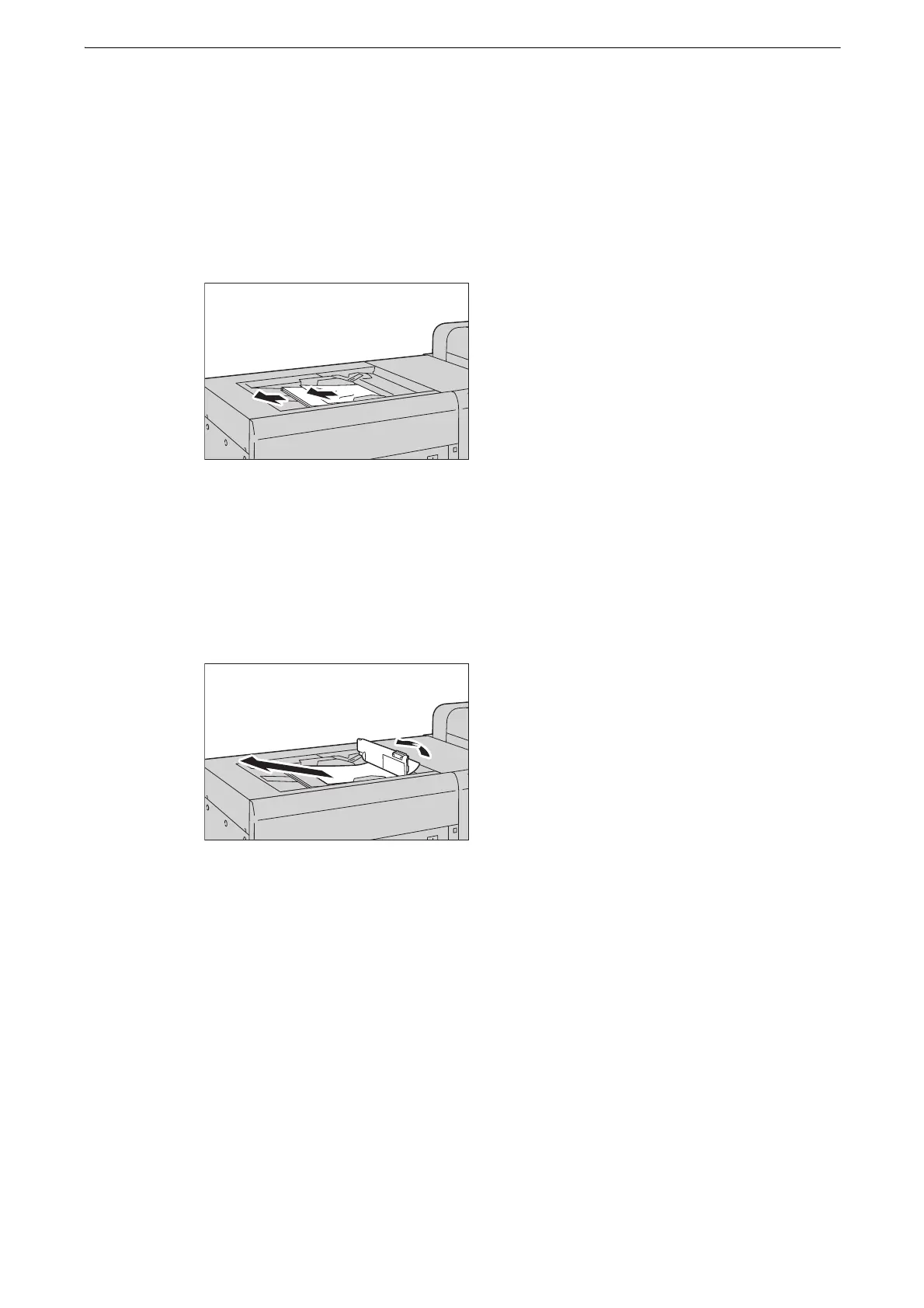
1 Remove any paper placed or jammed in Tray 5 (Bypass).
z
When two or more sheets of paper are loaded, remove all of the sheets from the tray.
z
If paper is torn, check for any torn pieces of paper in the tray.
2 If the paper cannot be removed in step 1, open the top cover of Tray 5 (Bypass) and
remove the jammed paper.
3 Close the top cover of Tray 5 (Bypass).
4 When two or more sheets of paper were loaded, jog the paper you removed making sure
that all four corners are neatly aligned.



 To Next Page
 Loading...

