7 Problem Solving
180
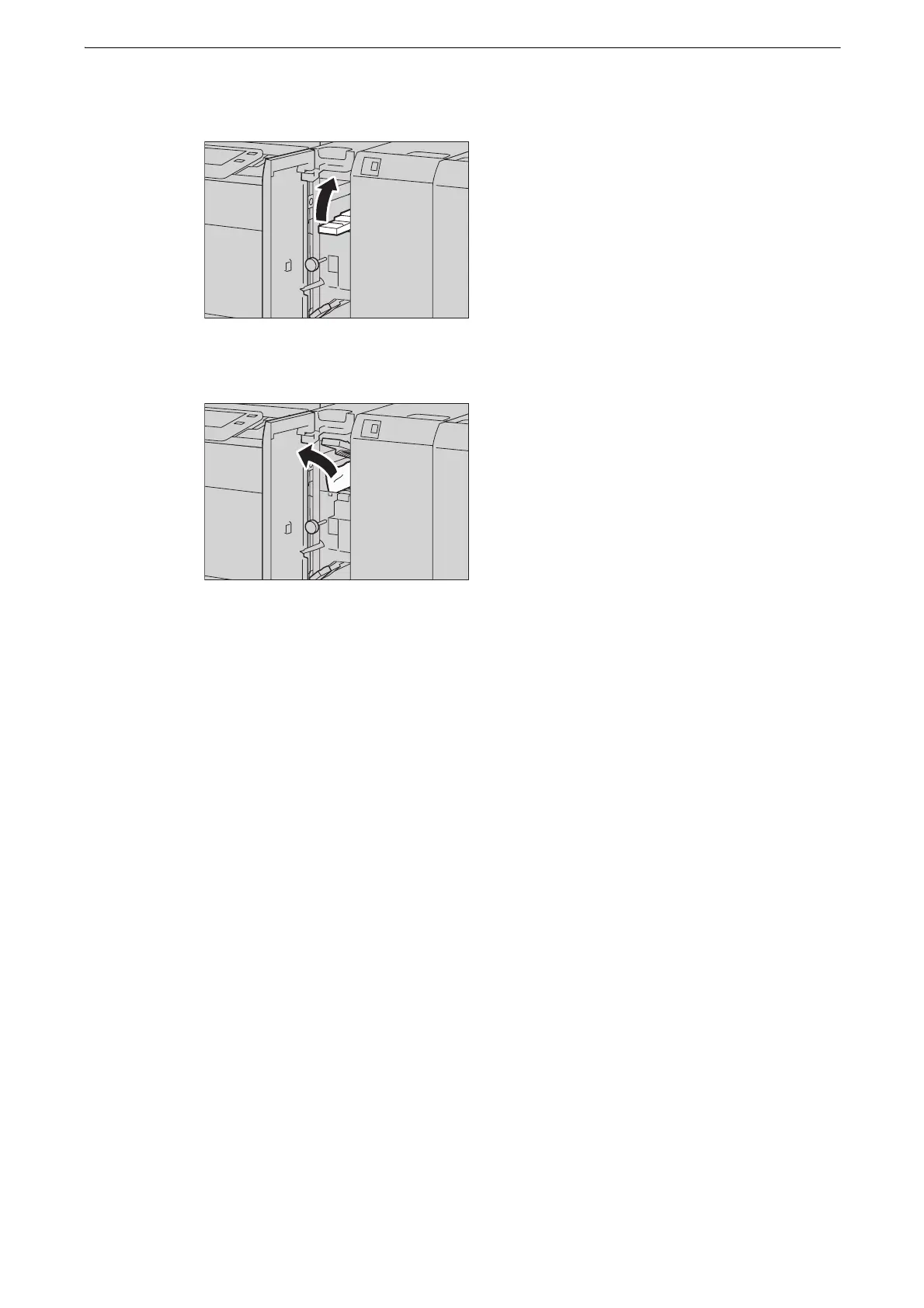
2 Move the handle [1a] to the upper direction.
3 Remove the jammed paper.
z
If paper is torn, check for any torn pieces of paper inside the device.
4 Return the handle [1a] to its original position.
5 Close the Transport Unit V1 front door.
z
If the Transport Unit V1 front door is not completely closed, a message will appear and the device remains
paused.



 To Next Page
 Loading...

