Simple Copy
79
Copy
3
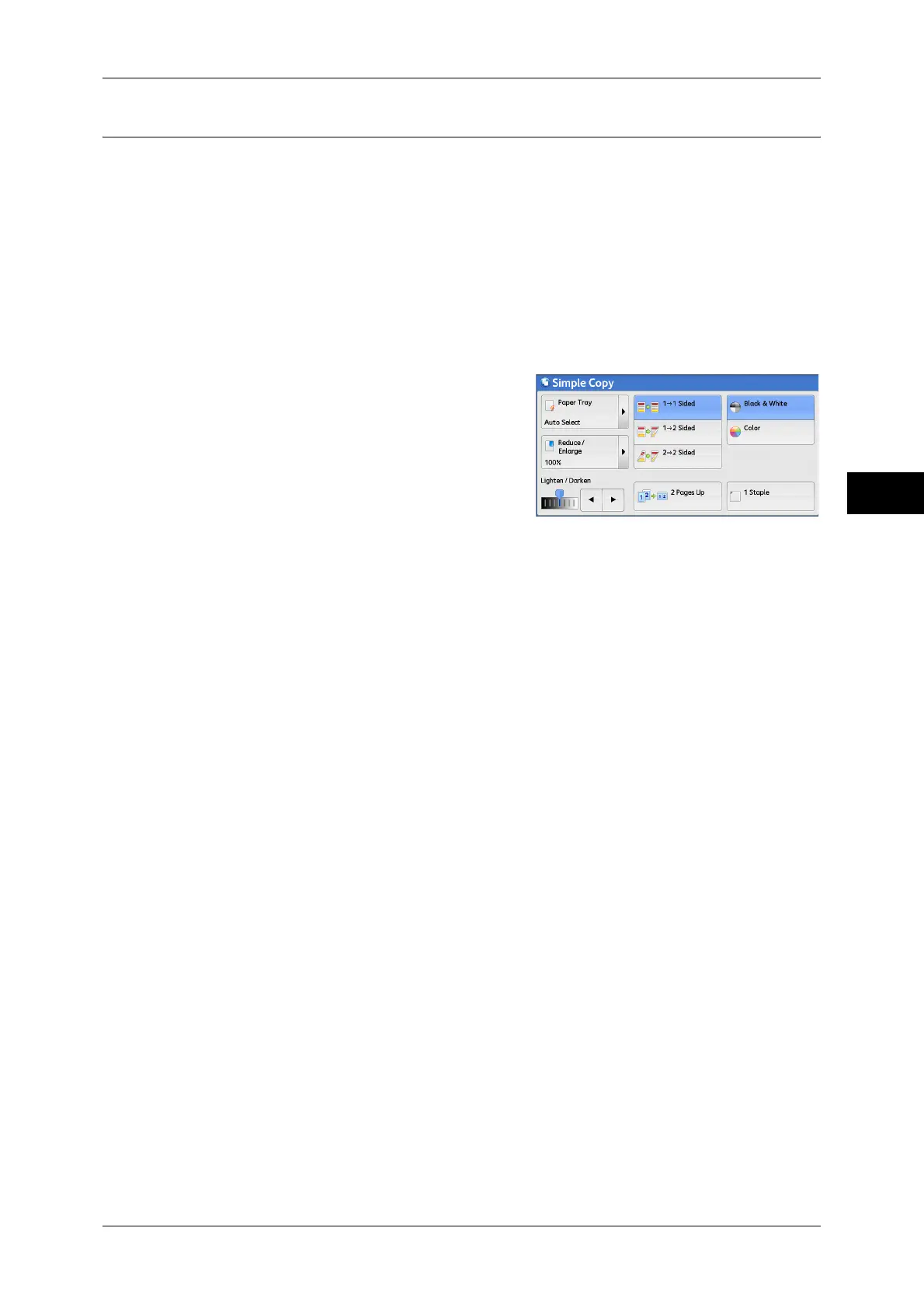
1 Staple
This feature allows you to select whether to staple copied outputs at the top left corner.
The number of sheets that can be stapled is 2 - 50 (when 80 gsm
paper is used).
Available paper types are: Plain paper, Recycled paper, Reload paper, Bond paper,
Heavyweight paper (106 - 169 gsm), Heavyweight Reload paper, Extra Heavyweight
paper (170 - 216 gsm), Extra Heavyweight Reload paper, Extra Heavyweight Plus
paper (217 - 220 gsm), Extra Heavyweight Plus Reload paper, Gloss paper (106 - 169
gsm), Gloss Reload paper, Heavyweight Gloss paper (170 - 216 gsm), Heavyweight
Gloss Reload paper, Extra Heavyweight Gloss paper (217 - 220 gsm), Extra
Heavyweight Gloss Reload paper, and Custom paper 1 to 5.
Note • This feature does not appear for some models. An optional component is required. For more
information, contact our Customer Support Center.
1 Select [1 Staple].



 To Next Page
 Loading...



