95
Connections
Printing Pictures via USB
During Printing
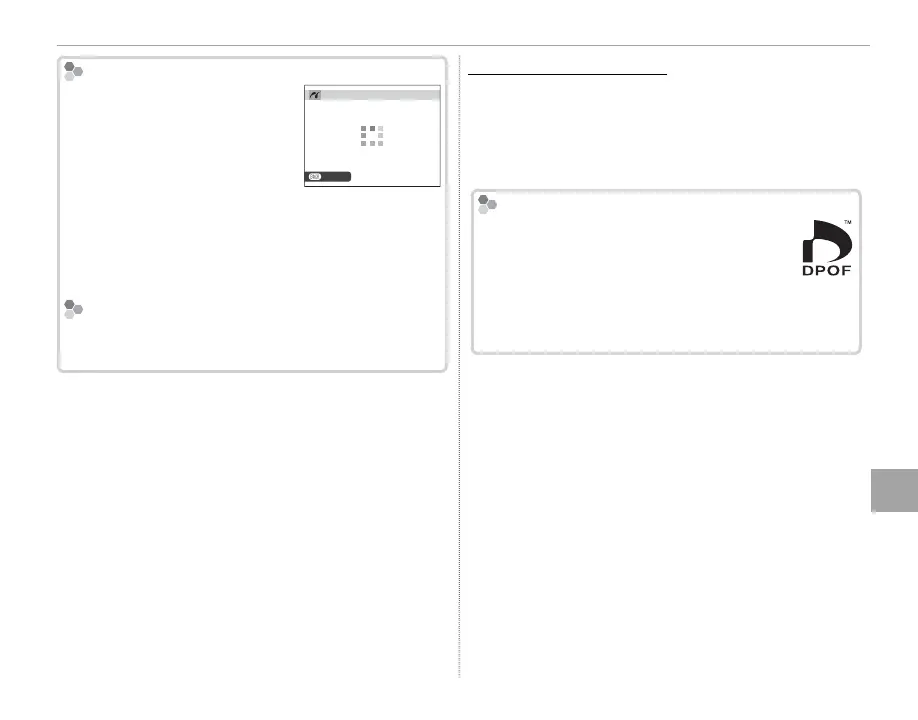
The message shown at right is
displayed during printing. Press
DISP/BACK to cancel before all
pictures are printed (depending
on the printer, printing may end
before the current picture has
printed).
If printing is interrupted, turn the camera o and
then on again.
Disconnecting the Camera
Con rm that the above message is not displayed and
turn the camera o . Disconnect the USB cable.
Creating a DPOF Print Order
Creating a DPOF Print Order
The K PRINT ORDER (DPOF) option in the play-
back menu can be used to create a digital “print
order” for PictBridge-compatible printers or de-
vices that support DPOF.
DPOF
DPOF (Digital Print Order Format) is stan-
dard that allows pictures to be printed from
“print orders” stored on the memory card.
The information in the order includes the
pictures to be printed and the number of copies of
each picture.
CANCEL
PRINTING



 To Next Page