34
Choosing an Exposure Mode
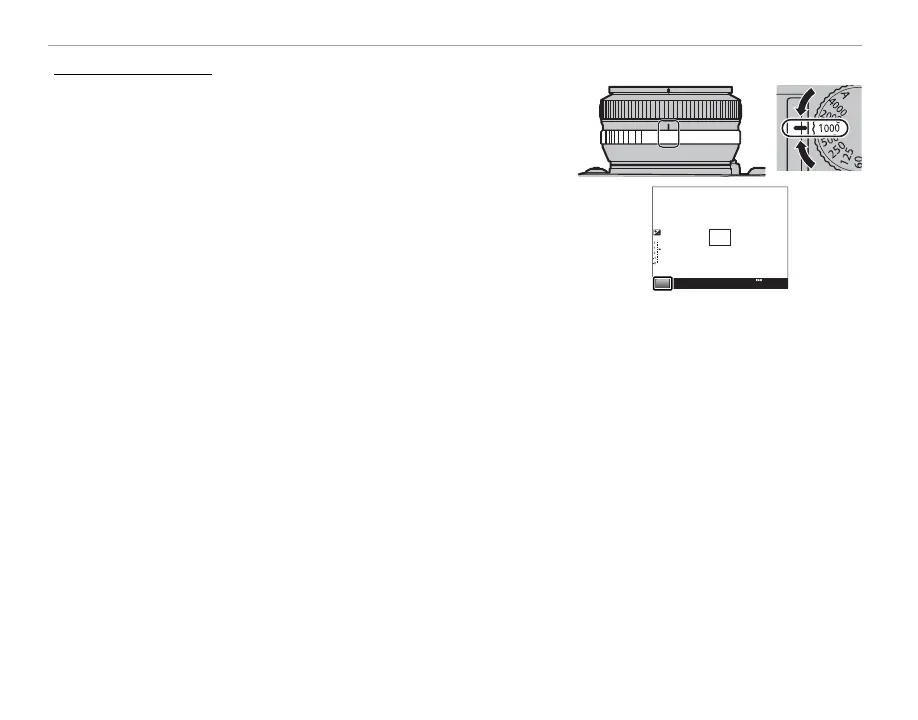
Shutter-Priority AE (S)
To adjust shutter speed manually while letting the camera select
aperture for optimal exposure, set aperture to A as described in
the lens manual and use the shutter speed dial. S will appear in
the display.
R Shutter speed can also be adjusted in increments of
/
EV by pressing
the selector left or right.
Q If the correct exposure can not be achieved at the selected shutter
speed, aperture will be displayed in red when the shutter button is
pressed halfway. Adjust shutter speed until the correct exposure is
achieved.
Q If the subject is outside the metering range of the camera, the aper-
ture display will show “– – –”.
S
2000
F5.6
200



 To Next Page