26
Deleting Pictures
Follow the steps below to delete the current picture. Note that deleted pictures can not be recovered;
copy important pictures to a computer or other storage device before proceeding.
1
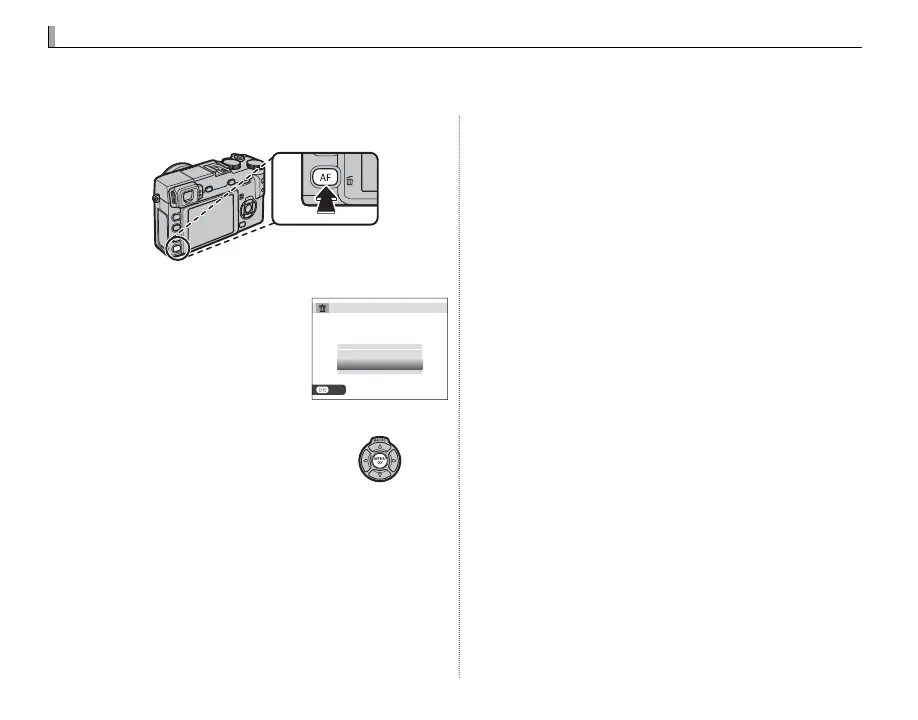
Press the b button.
2
Highlight OK.
A con rmation dialog will
be displayed; highlight OK.
SET
ERASE OK?
CANCEL
OK
3
Delete the picture.
Press MENU/OK to delete the
picture (to exit without de-
leting the picture, highlight
CANCEL and press MENU/OK).
R Protected pictures can not be deleted. Remove pro-
tection from any pictures you wish to delete (P 78).
R If a message appears stating that the selected im-
ages are part of a DPOF print order, press MENU/OK to
delete the pictures.
R Pictures can also be deleted from the playback
menu (
P 76).



 To Next Page