66
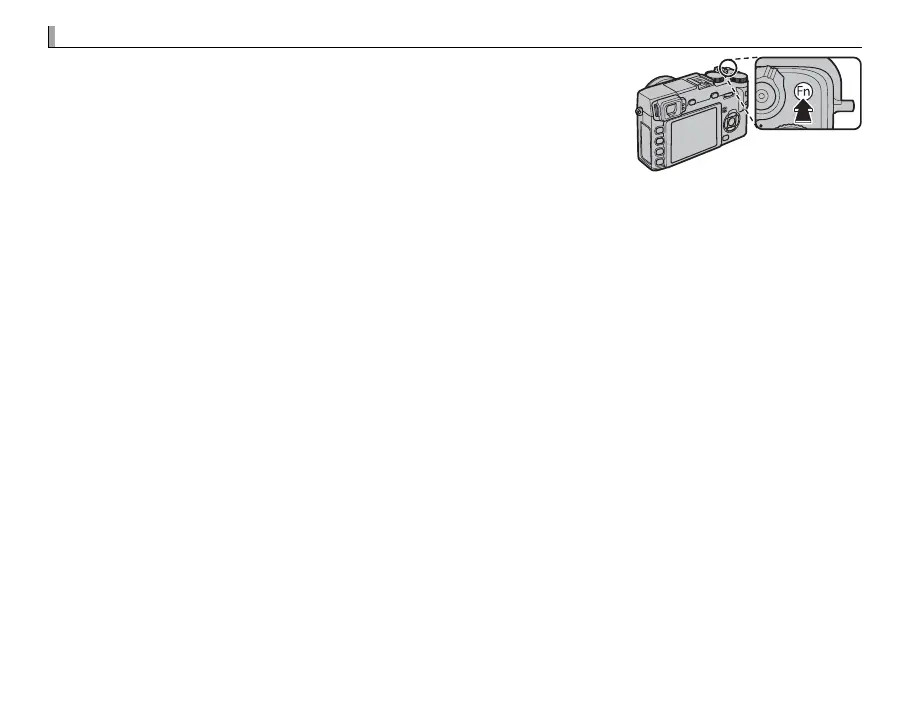
The Fn Button
The role played by the Fn button can be selected using the F Fn
BUTTON option in the shooting menu (P 71). The options available
include multiple exposure (P 53), depth-of- eld preview (P 35),
sensitivity (P 41), the self-timer (P 49), image size (P 69), image
quality (P 69), dynamic range (P 70), lm simulation (P 51), white
balance (P 39), AF mode (P 72), custom settings (P 67), movie
recording (P 30), and RAW/JPEG toggle (P 59).
R The F Fn BUTTON menu can also be displayed by pressing and holding the Fn button.



 To Next Page