43
More on Photography and Playback
Focus Mode
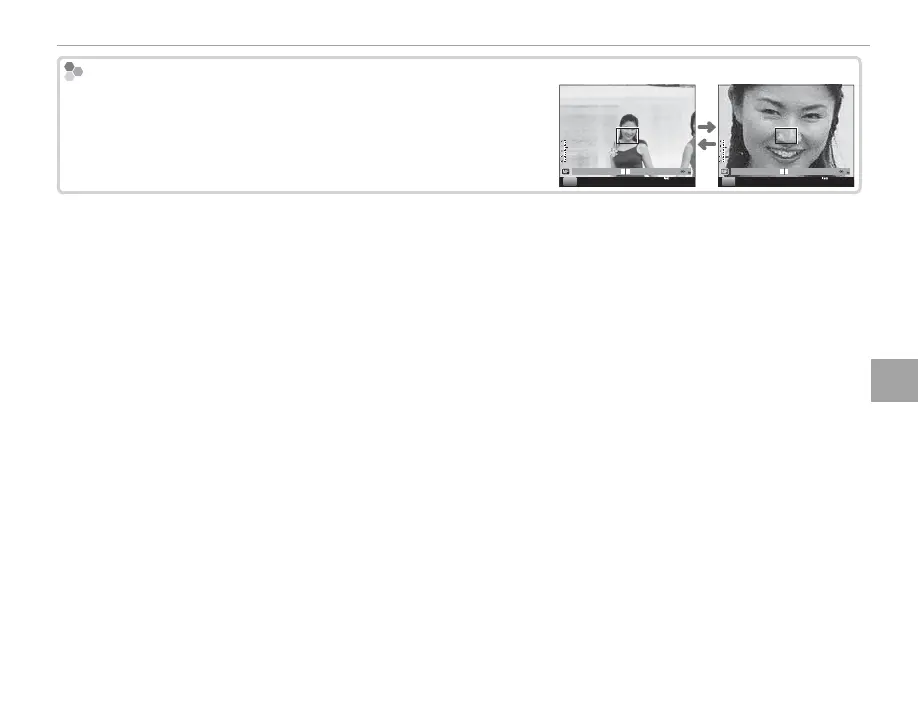
Manual Focus: Checking Focus
Manual Focus: Checking Focus
Pressing the center of the command dial magni es the view in the
view nder or LCD monitor for precise focus; rotate the dial to zoom
in or out. To scroll to other areas of the frame, press the AF button
and use the selector.
2000
F5.6
200
0.1 0.5 1.0 1.5 2.0 3.0 5.0 10
M
2000
F5.6
200
0.1 0.5 1.0 1.5 2.0 3.0 5.0 10
M



 To Next Page