50
Using the Self-Timer
4
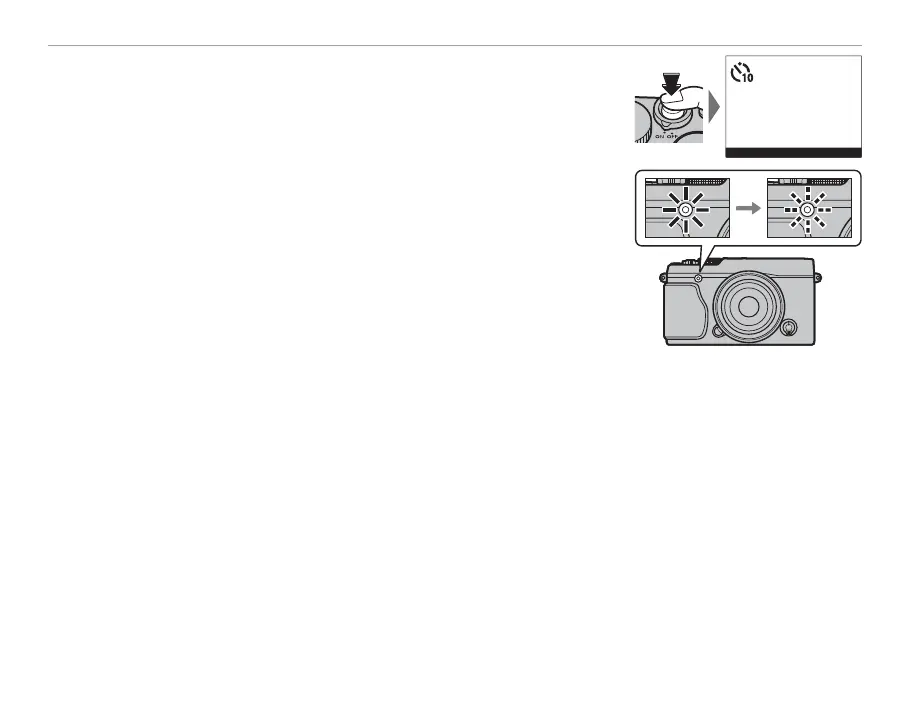
Press the shutter button the rest of the way down to start the timer.
The display in the monitor shows the number of seconds remaining
until the shutter is released. To stop the timer before the picture is
taken, press DISP/BACK.
9
The self-timer lamp on the front of the camera will blink immediately
before the picture is taken. If the two-second timer is selected, the
self-timer lamp will blink as the timer counts down.
R The self-timer turns o automatically when the camera is turned o .



 To Next Page