Chapter 3 Configuring the Scan Settings
Appendix
Glossary
Introduction
Index
Contents
TOP
41
How to Load
Documents
Configuring the
Scan Settings
Various Ways to
Scan
Daily Care
Troubleshooting
Operational
Settings
Replacing the
Consumables
Scanner
Overview
How to Use the
Operator Panel
z [Filter] tab
Select the filter for image processing.
z [Compression] tab
Specify the compression rate for JPEG transfer.
[Advance] Button
Click this button to configure detailed settings related to image
processing.
Items such as gamma pattern, dropout color, reverse and
edge extract can be configured.
[Config] Button
Click this button to manage the setup files.
Scan settings can be changed easily if you save the settings
configured in the [TWAIN Driver (32)] dialog box onto a file
under [Setting File].
[Browse] Button
Click this button to view a list of connected scanners.
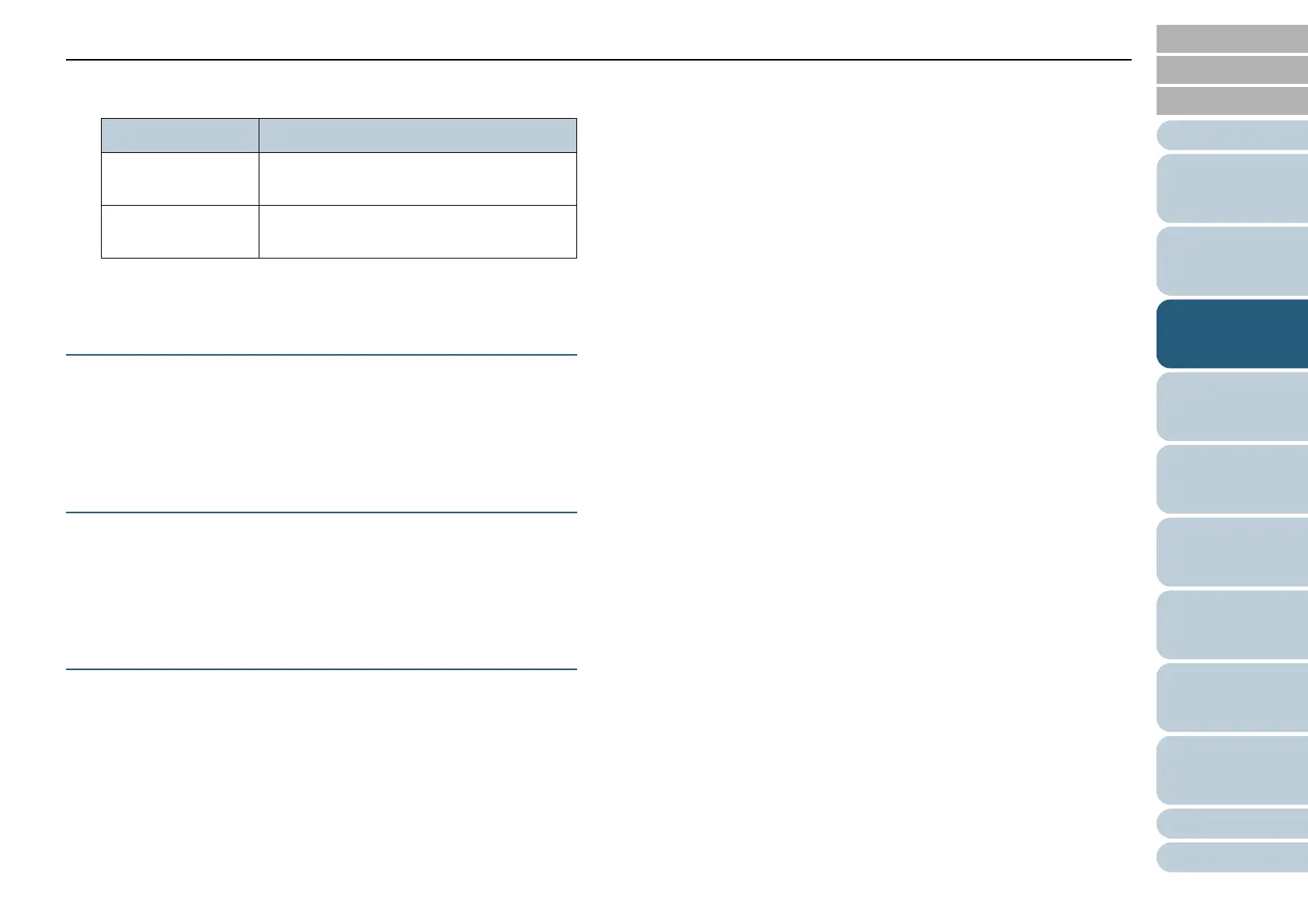
Item Description
Digital Endorser Adds alphanumeric character strings on the
scanned image data.
Page Edge Filler Fills in the margins of the scanned image in
a specified color.













 To Next Page