Chapter 3 Configuring the Scan Settings
Appendix
Glossary
Introduction
Index
Contents
TOP
42
How to Load
Documents
Configuring the
Scan Settings
Various Ways to
Scan
Daily Care
Troubleshooting
Operational
Settings
Replacing the
Consumables
Scanner
Overview
How to Use the
Operator Panel
The ISIS driver is a driver that conforms to the ISIS standard.
It can be used with an application that supports ISIS to
perform scanning.
Normally, the scanner driver is launched via an application,
and then the scan settings are configured in the setup dialog
box of the driver (some applications may not display the setup
dialog box).
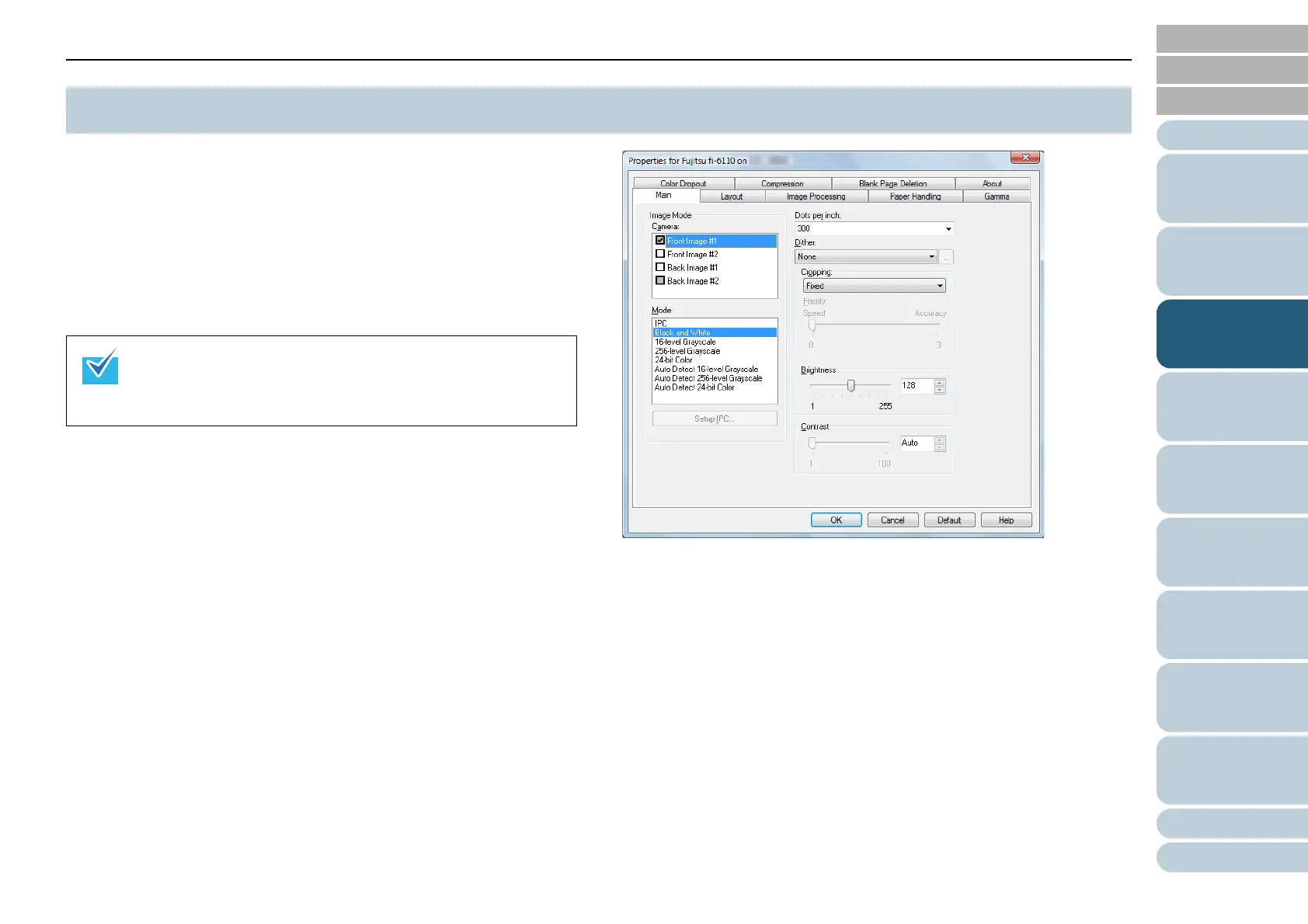
Settings for ISIS driver are configured in the above dialog box.
For details, refer to the ISIS driver Help.
3.2 ISIS Driver
Ways to launch the scanner driver differ depending on the
application.
For more details, refer to the manual or the Help files of the
application.



 To Next Page
 Loading...









