Chapter 3 Configuring the Scan Settings
Appendix
Glossary
Introduction
Index
Contents
TOP
43
How to Load
Documents
Configuring the
Scan Settings
Various Ways to
Scan
Daily Care
Troubleshooting
Operational
Settings
Replacing the
Consumables
Scanner
Overview
How to Use the
Operator Panel
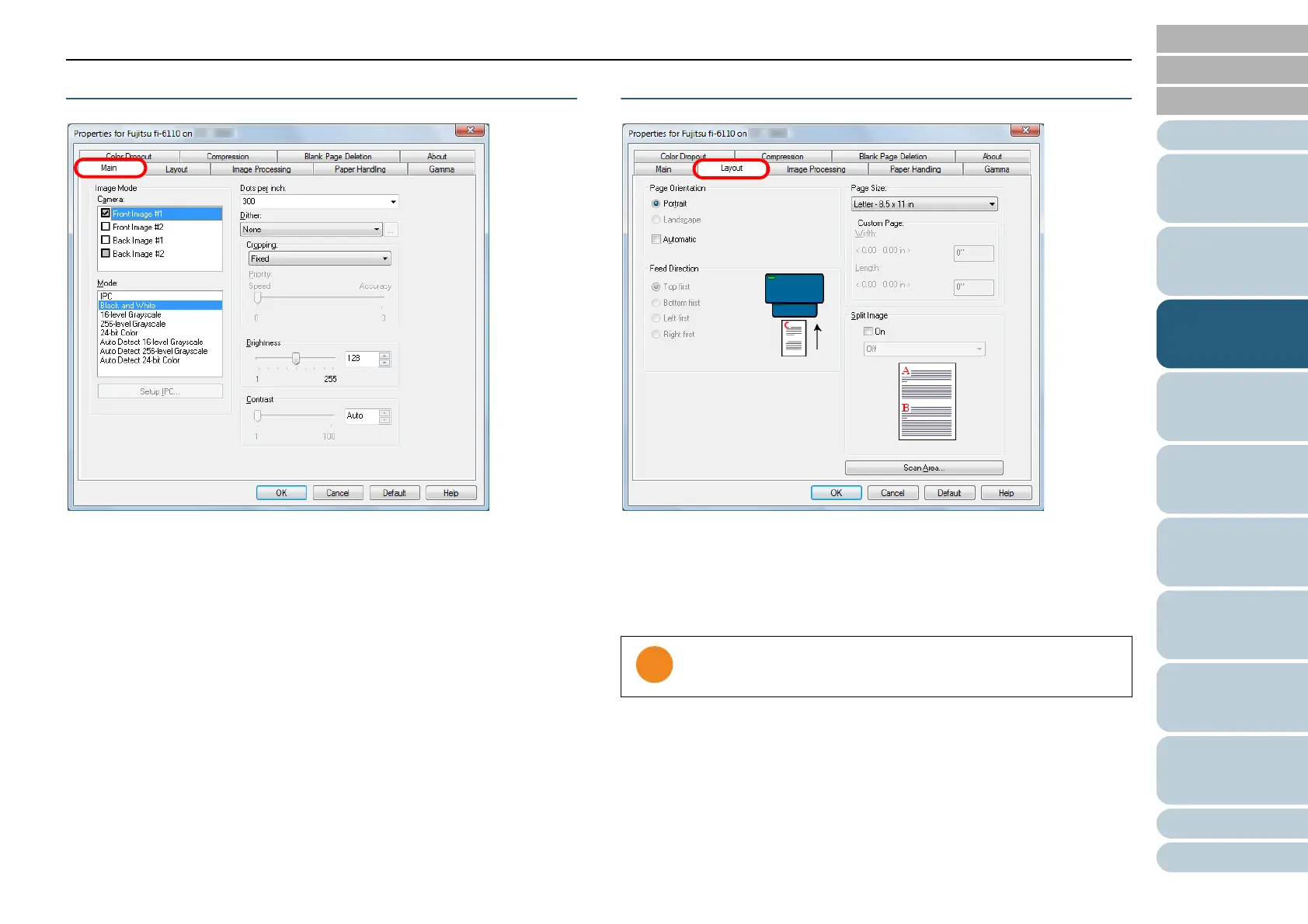
[Main] Tab
Settings such as the scanning side(s), color (color/grayscale/
black & white), resolution, brightness and contrast can be
configured.
[Layout] Tab
Settings such as the page orientation, feed direction, paper
size and image split can be configured.
Clicking the [Scan Area] button displays the [Scan Area] dialog
box.
Note that [Automatic] in [Page Orientation] is only available
when ScandAll PRO is installed.













 To Next Page