Chapter 3 Configuring the Scan Settings
Appendix
Glossary
Introduction
Index
Contents
TOP
47
How to Load
Documents
Configuring the
Scan Settings
Various Ways to
Scan
Daily Care
Troubleshooting
Operational
Settings
Replacing the
Consumables
Scanner
Overview
How to Use the
Operator Panel
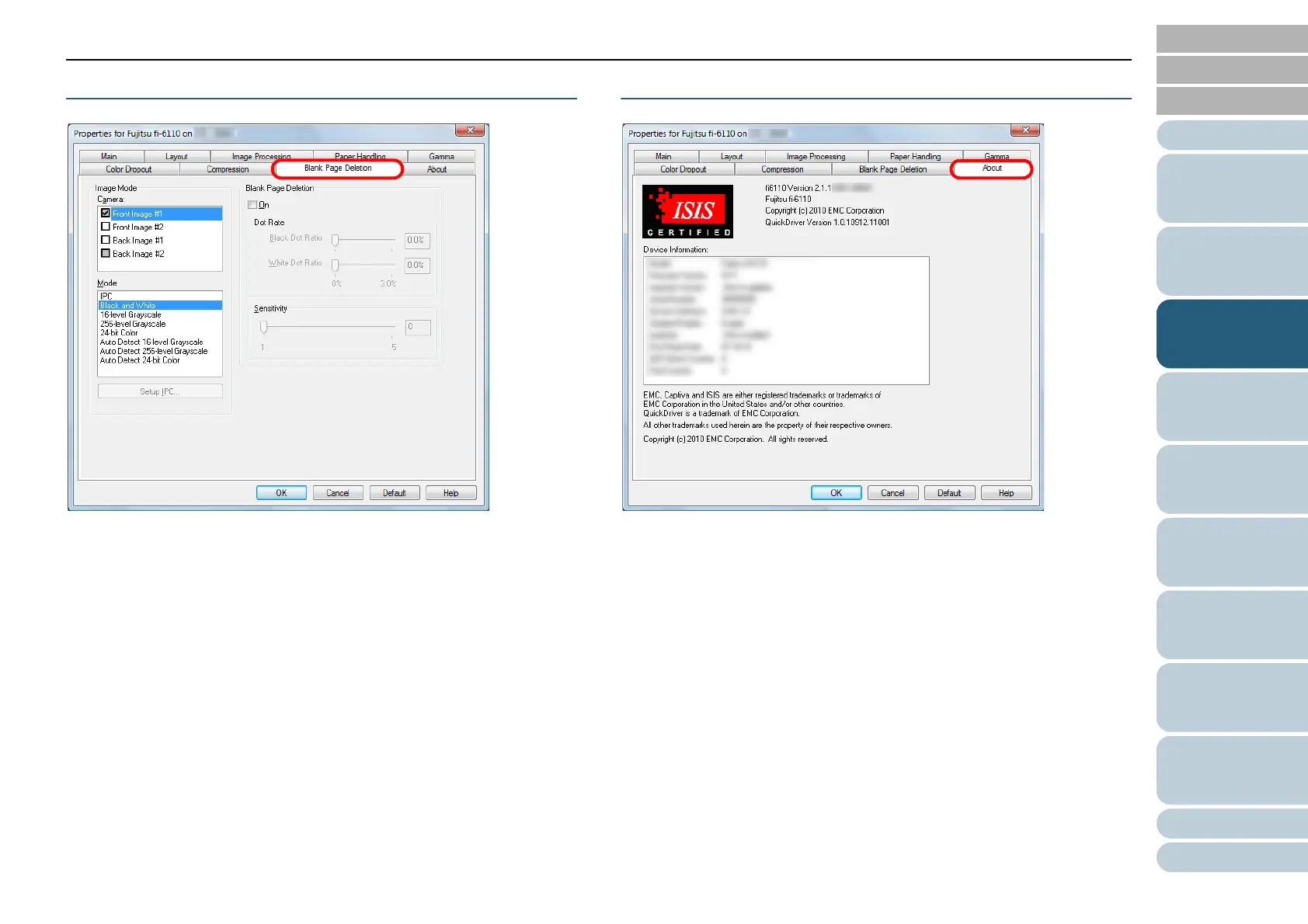
[Blank Page Deletion] Tab
You can configure the setting for deleting blank pages.
When scanning in black & white mode, you can use the dot
ratio to process the blank page(s) for the white and black
backgrounds separately.
When scanning in grayscale/color, you can use the sensitivity
to process the blank page(s) for the white and black
backgrounds together.
[About] Tab
Select this tab to view information related to the version of the
ISIS driver as well as the scanner connected to the computer.













 To Next Page