Actions (for Windows users)
192
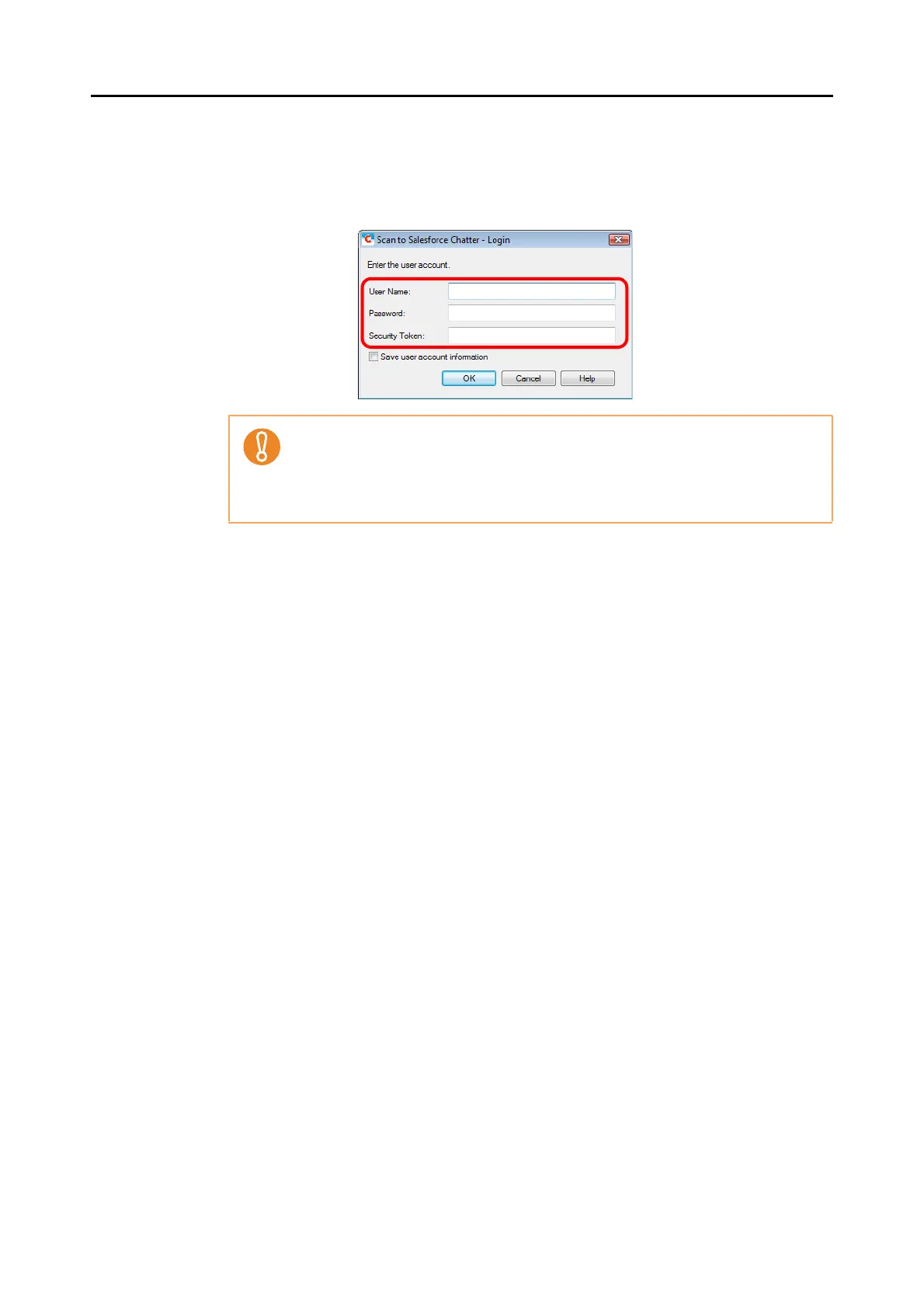
D If you did not specify a Salesforce account in the [Scan to Salesforce Chatter -
Options] dialog box in step 4., the [Scan to Salesforce Chatter - Login] dialog box
appears. To continue, enter your user name and password, and click the [OK]
button. Enter a security token if needed.
D The [Scan to Salesforce Chatter] dialog box appears.
z If the computer is shared with other users, do not select the [Save user account
information.] check box in this dialog box.
Otherwise, other users will be able to log into Salesforce automatically.
z Scan to Salesforce Chatter is not available in a proxy environment that requires
authentication upon connecting to the Internet.















 To Next Page