How to Perform a Scan (for Mac OS users)
262
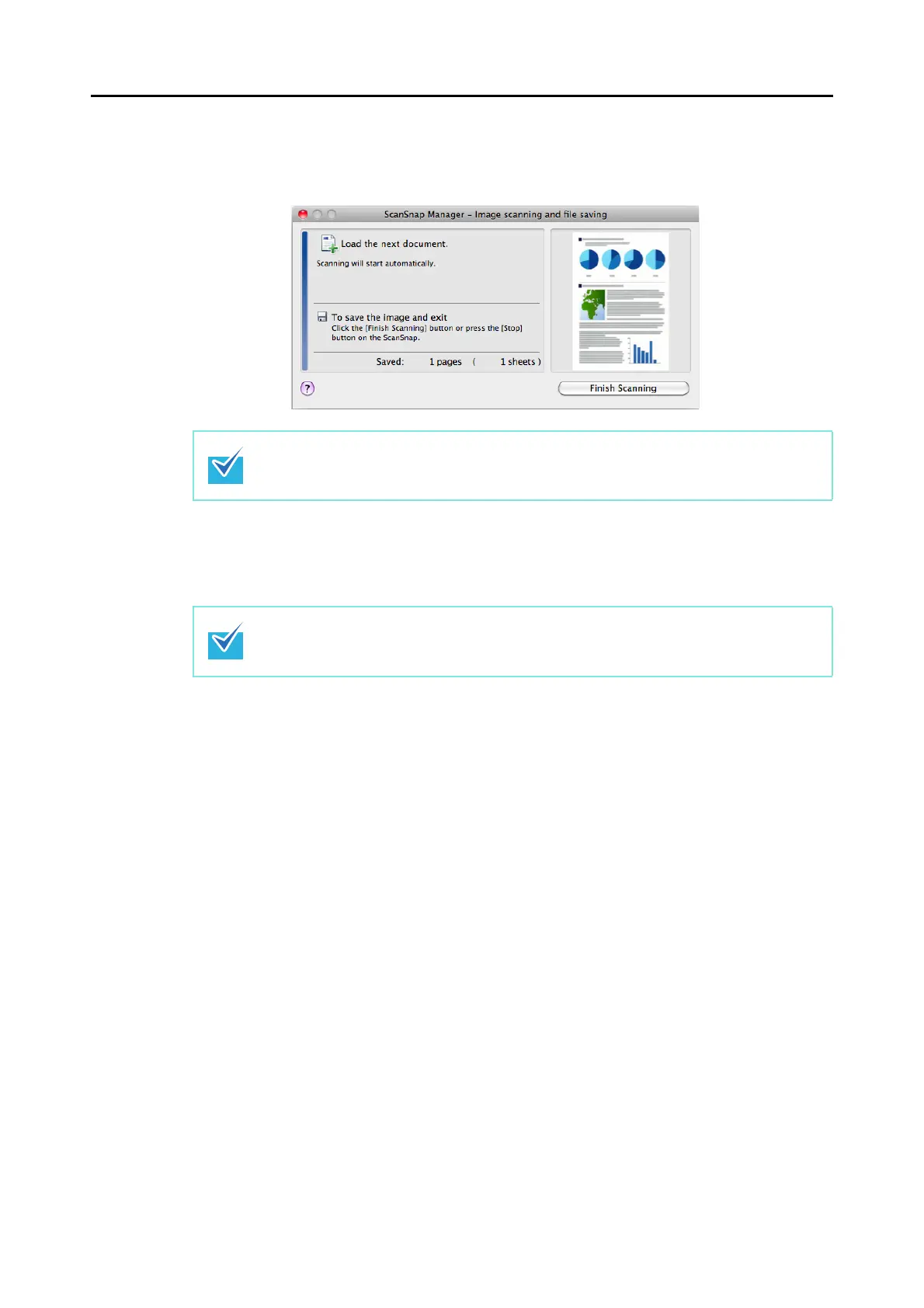
D After the scanning has completed, the [ScanSnap Manager - Image scanning and
file saving] window shows a new message indicating that the ScanSnap is ready for
the next scan.
8. Press the [Scan/Stop] button on the ScanSnap to finish scanning.
D The Quick Menu appears.
Load another document in the ScanSnap when you want to scan multiple sheets. Scanning
starts automatically when a document is loaded.
z You can also finish scanning by clicking the [Finish Scanning] button in the [ScanSnap
Manager - Image scanning and file saving] window.
z The [Scan/Stop] button on the ScanSnap flashes in blue throughout the scan.















 To Next Page