Actions (for Windows Users)
193
6. Click the [Post] button.
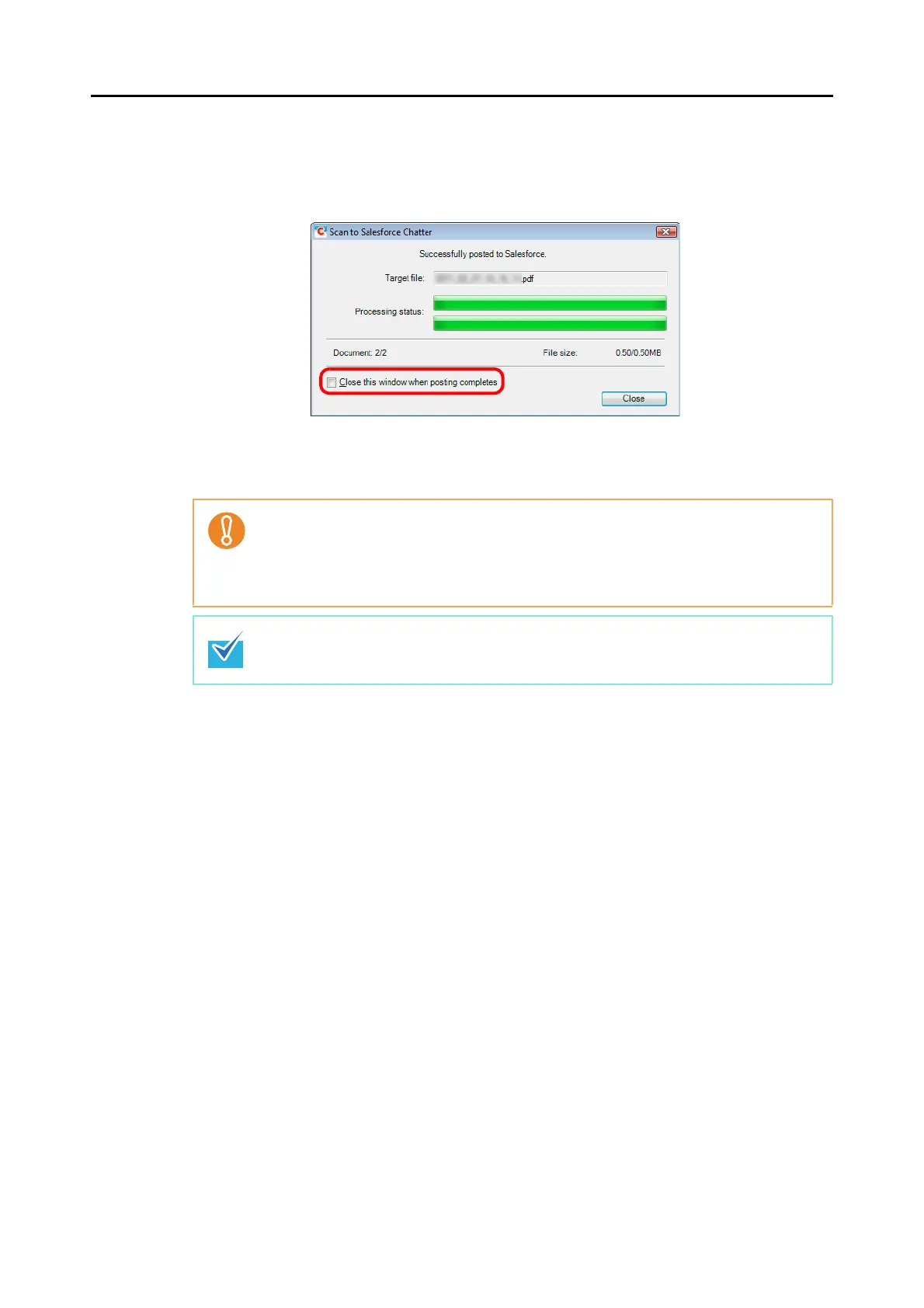
D Posting to Salesforce Chatter starts. Click the [Close] button to close the [Scan to
Salesforce Chatter] dialog box when the posting is completed.
If you select the [Close this window when posting completes] check box above, the
[Scan to Salesforce Chatter] dialog box will automatically close from next scanning
on when the posting is completed.
z You cannot start scanning after the Quick Menu is displayed and before the [Scan to
Salesforce Chatter] dialog box is closed. Close the [Scan to Salesforce Chatter] dialog
box before scanning the next document.
z Do not move, delete, or rename the scanned image in other applications when the
Quick Menu is displayed.
Salesforce does not start up after the posting has completed. To check the saved scanned
image file, start a web browser and log in to Salesforce.



 To Next Page
 Loading...












