How to Perform a Scan (for Windows Users)
79
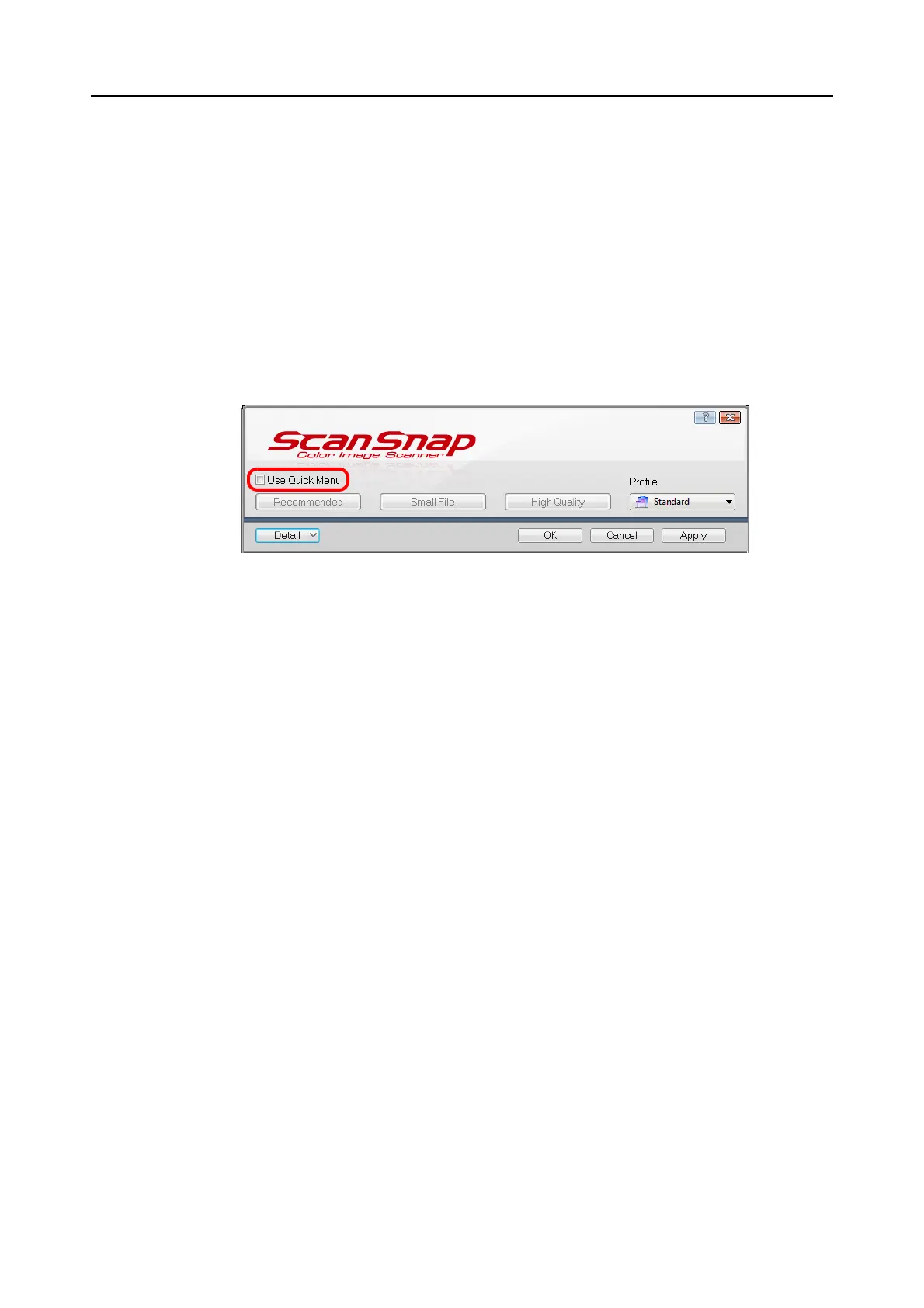
■ Without Using the Quick Menu
The following explains the procedure for scanning without using the Quick Menu.
1. Select [Scan Button Settings] from the Right-Click Menu.
For details about the Right-Click Menu, refer to "Right-Click Menu" (page 70).
D The ScanSnap setup dialog box appears.
2. Clear the [Use Quick Menu] check box.



 To Next Page
 Loading...












