Actions (for Mac OS Users)
303
6. Click the [Attach to E-mail] button.
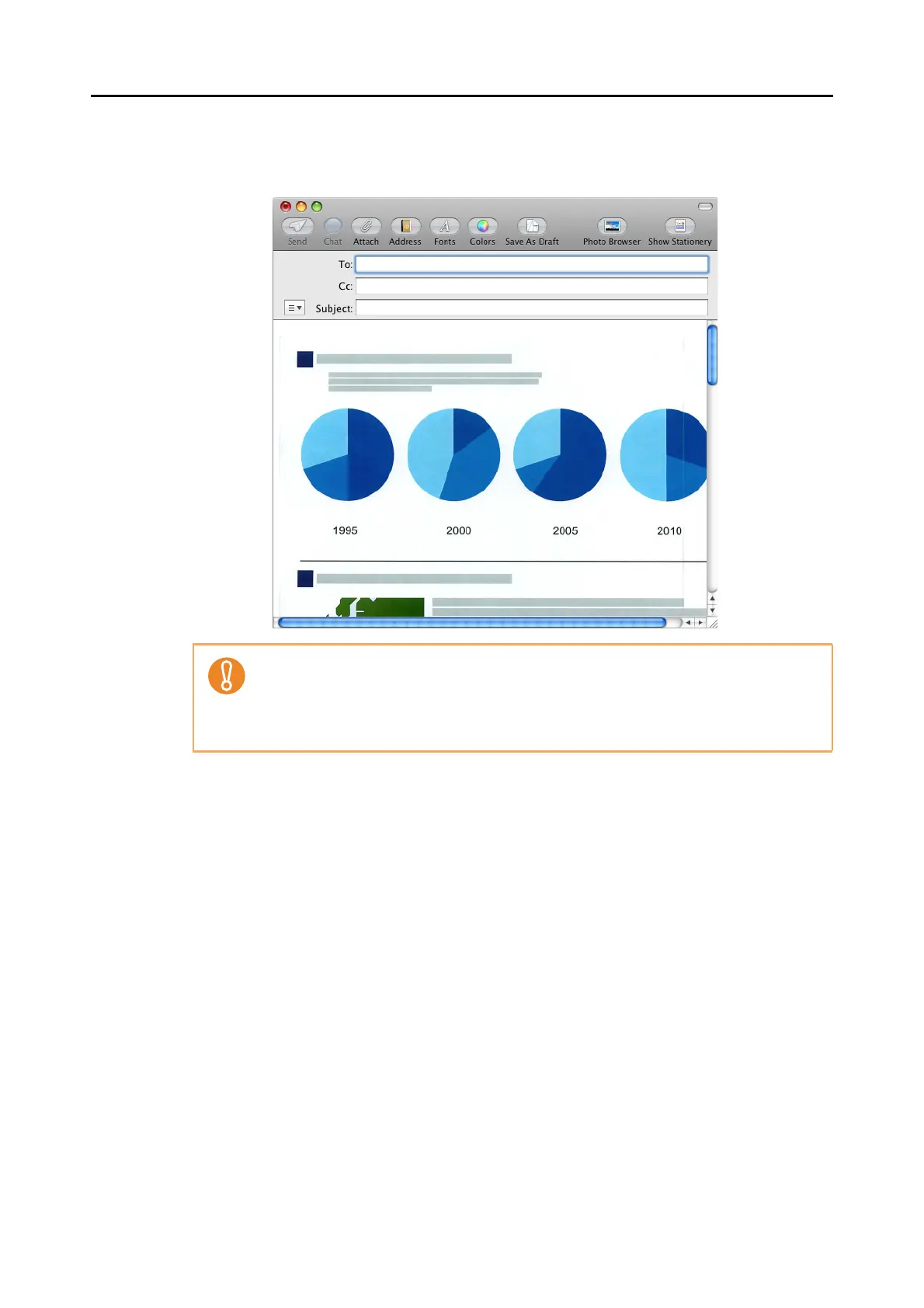
D An e-mail message window appears with the file attached.
z You cannot start scanning after the Quick Menu is displayed and before the [Scan to
E-mail] window is closed. Close the [Scan to E-mail] window before scanning the next
document.
z Do not move, delete, or rename scanned image in other applications after the Quick
Menu is displayed and before the [Scan to E-mail] window is closed.



 To Next Page
 Loading...












