Updating ScanSnap Manager
450
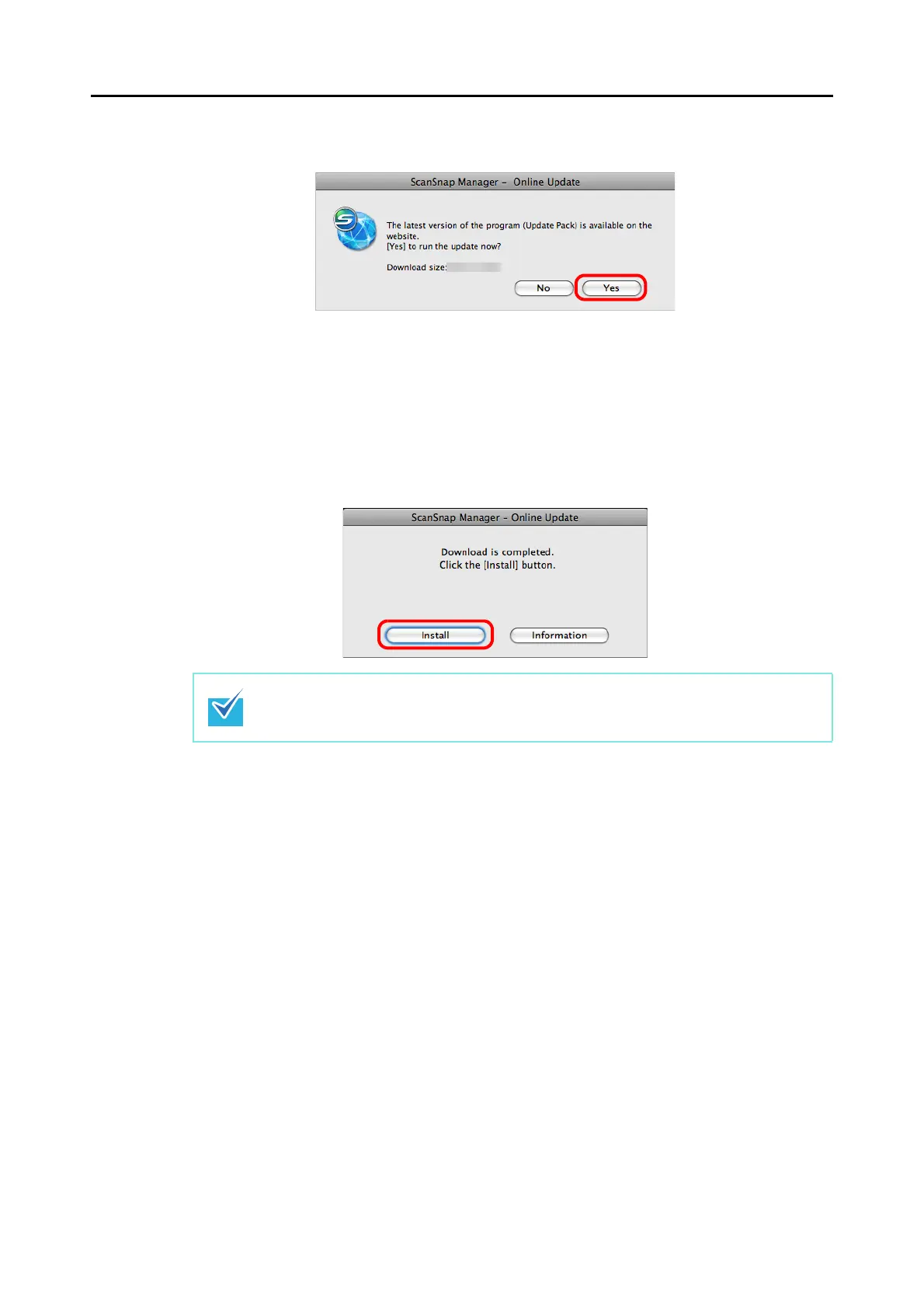
3. Click the [Yes] button.
D The program is downloaded, and a confirmation message appears.
4. Select [Quit] from the ScanSnap Manager menu to exit ScanSnap
Manager.
5. Click the [Install] button.
D Installation starts, and the ScanSnap Manager installer starts up.
Follow the instructions on the screen to continue with the installation.
When you click the [Information] button, a web browser which displays information about
the latest update for ScanSnap Manager opens.



 To Next Page
 Loading...












