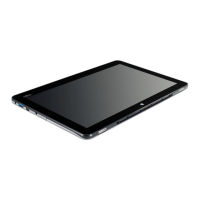
Tablet Dock Interface Port 38
Tablet Dock Interface Port 4
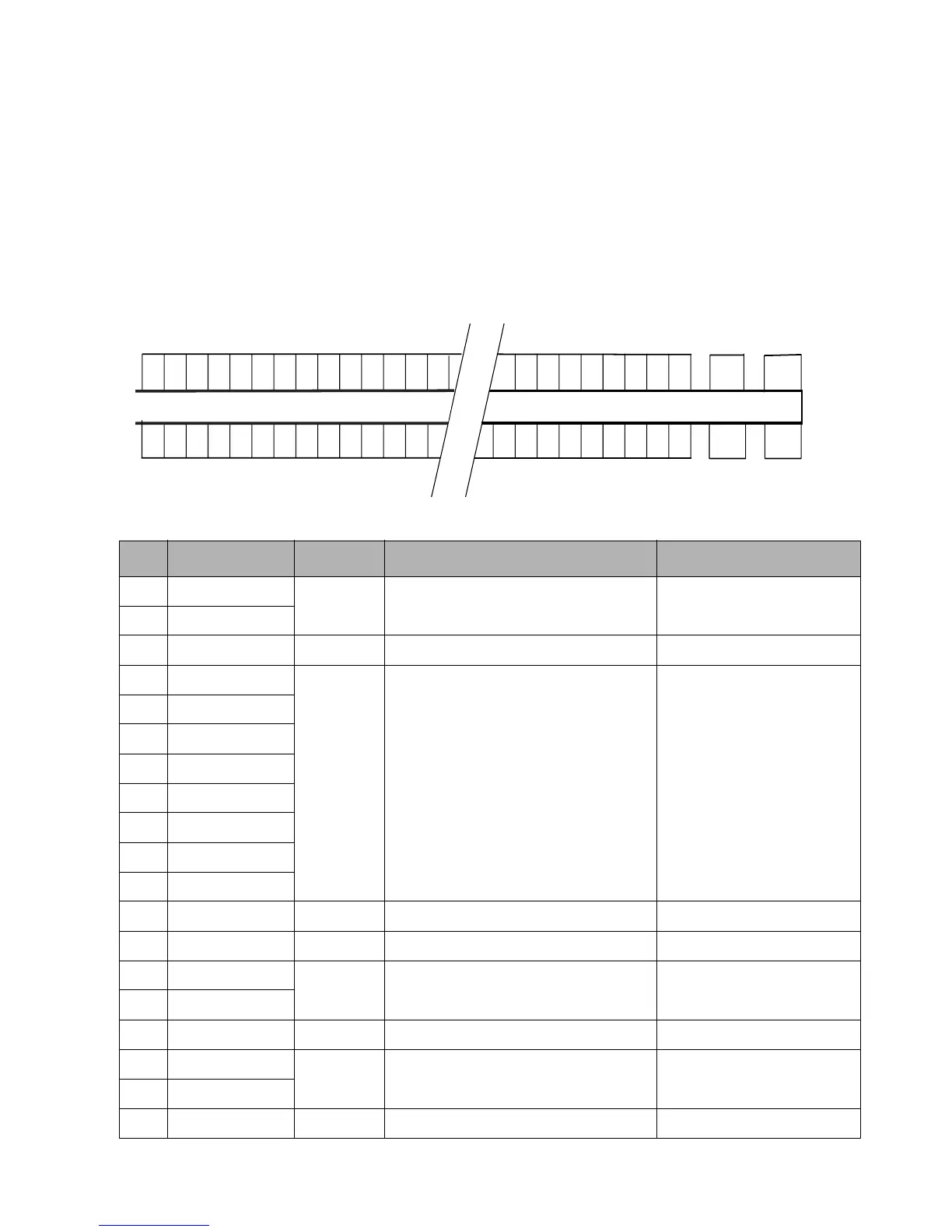
The Tablet Dock interface port on the Stylistic
ST5000 Tablet PC allows you to attach the Stylistic
ST5000 Tablet Dock. The interface port is a 100-pin
connector. The following figure and table show the
pin locations for the interface port connector on the
Tablet PC. Signals designated with the “pound” (#)
symbol are active low.
NOTES
• Signal names listed in the second column of this
table are not industry standard signal names.
They are provided to assist in cross-referencing
these signal names when they appear elsewhere.
• The connectors used for the system interface port
are manufactured by Hirose. Connector part
numbers are: EX80-1005 (main unit) and
EX80-100P1 (tablet dock side)
Table 4-5. Tablet Dock Interface Connector Pin Assignments
Pin Signal Name Level Description Port or Connector
1 GND1
GND Ground
2 GND1
3 SAFE +5V Dock Detect Docking Station
4 PWR_DOCK
+5V PWR_DOCK
5 PWR_DOCK
6 PWR_DOCK
7 PWR_DOCK
8 PWR_DOCK
9 PWR_DOCK
10 PWR_DOCK
11 PWR_DOCK
12 NC -- -- --
13 GND1 GND Ground
14 USB_P3NC
15 USB_P3PC
16 GND1 GND Ground
17 Reserve
18 Reserve
19 GND1 GND Ground
50
49 48 47
100 99
98
97
43
2
1
51
52
5354



 To Next Page
 Loading...