BIOS Setup Utility 22
Hard Disk Security Submenu 2
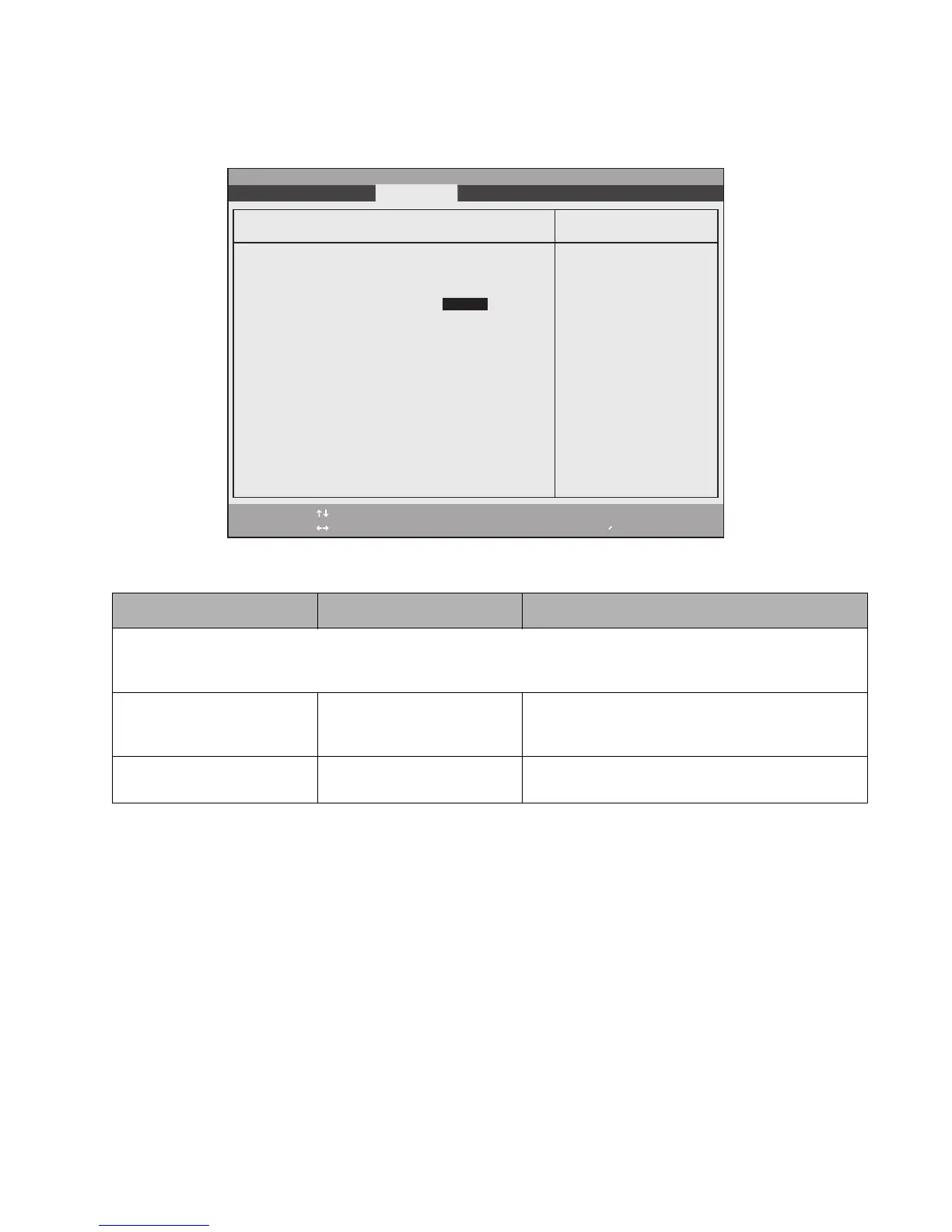
The Hard Disk Security Submenu allows you to enable or disable the Primary Master device. To access this
submenu, select Hard Disk Security from the Security menu.
Table 2-13. Hard Disk Security Submenu Options
Option Settings Description
Note that when a Primary Master Password is set for a hard disk drive, the hard disk drive will only function in a system that
has the same hard disk drive password. If the drive is put into another system with no password or with a different
password, the hard disk drive will not work. Note, however, that the data on the drive is not encrypted.
Primary Master Password Is: Clear Display only. Either Clear or Set, depending upon
whether a Primary Master Password is entered in the
following field.
Set Primary Master Password ----- Allows you to enter a master password when a
supervisor password has been set.
F1 Help
ESC Exit
Select Item
Select Menu
-/Space
Enter
F9 Setup Defaults
F10 Save and Exit
Change Values
Select Sub-Menu
▲
Main Advanced Exit Submenu Power Savings Exit
Item Specific Help
PhoenixBIOS Setup Utility
Hard Disk Security
Primary Master Password Is: Clear
Set Primary Master Password [Enter]
Press <Enter> key to
set Hard Disk Password.
The hard disk is locked
with the password. Data
in the locked disk can
not be read on other
systems.



 To Next Page
 Loading...