17. WEATHER OVERLAY
17-2
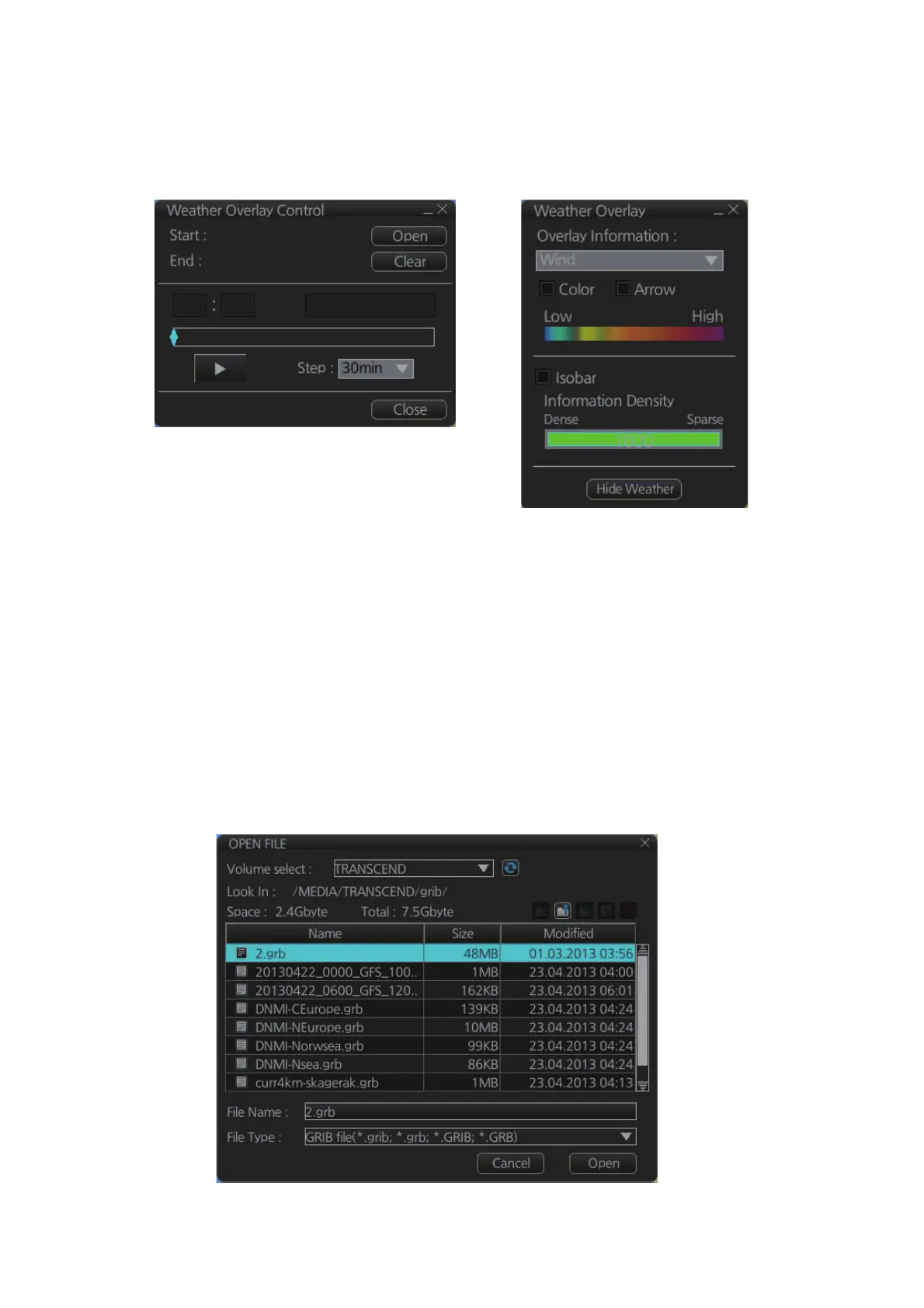
When the weather overlay is made active, two weather overlay dialog boxes appear,
[Weather Overlay Control] and [Weather Overlay]. The [Weather Overlay Control] di-
alog box selects and plays back weather data files. The [Weather Overlay] dialog box
controls what weather information to display and how to display it.
To deactivate the weather overlay, click the [Clear] button on the [Weather Overlay
Control] dialog box to remove the weather overlay display then click the Weather over-
lay button on the InstantAccess bar.
17.3 How to Select, Playback a Weather Data File
1. Copy the weather data file (.grb extension) to a USB flash memory and insert the
drive into a USB port on the PCU.
2. Activate the weather overlay then click the [Open] button on the [Weather Overlay
Control] dialog box to show the [OPEN FILE] window. Click the [Volume select]
drop-down list to select the USB flash memory.
Weather Overlay Control dialog box
Weather Overlay dialog box



 To Next Page
 Loading...









