Operators and Technicians Manual
2006 – 2013 FutureLogic, Incorporated. All Rights Reserved. MNL Page 8 04/29/2013
MNL-000032 REV.D
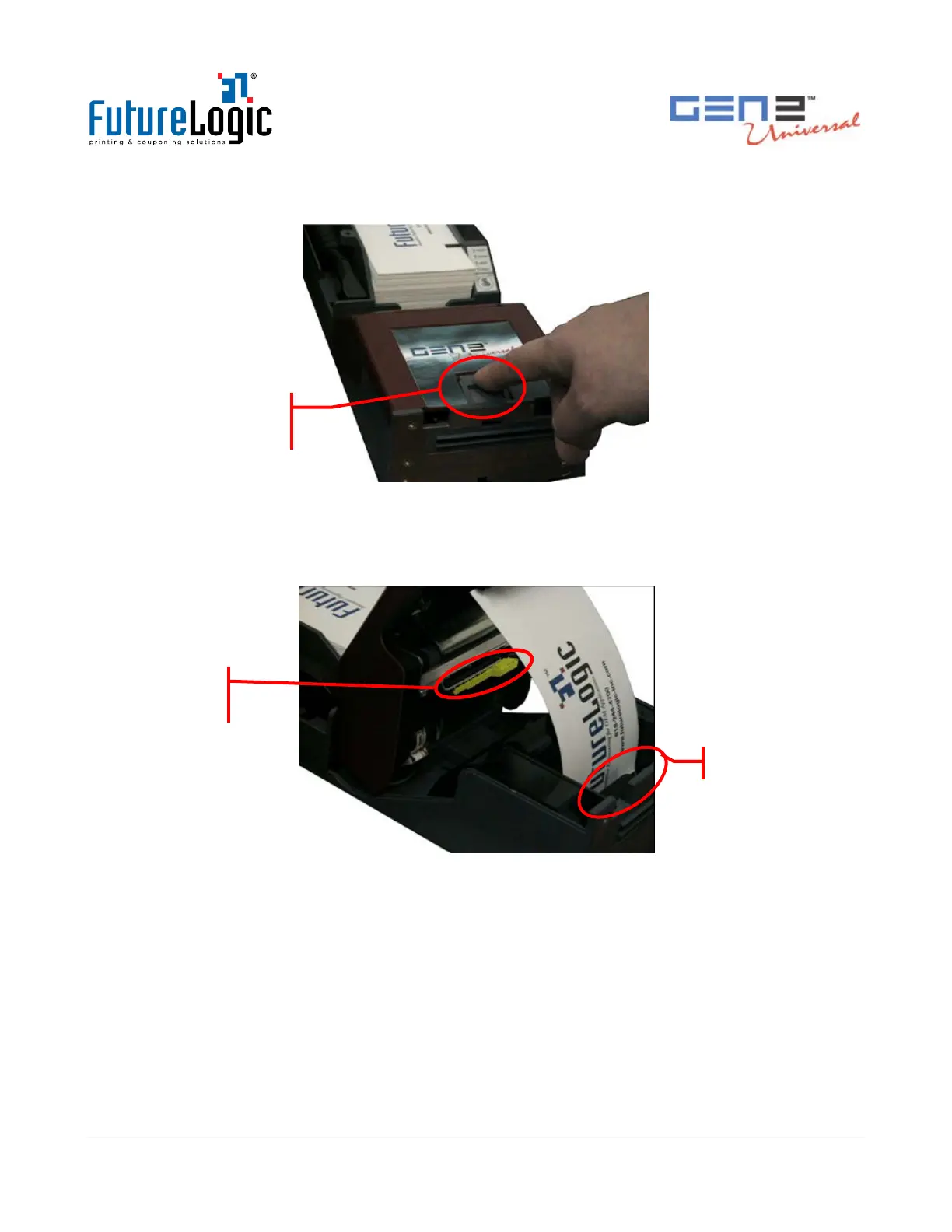
2. Open the lid by pressing the Lid Release Lever.
The spring-loaded lid opens, exposing the paper path.
Figure 3-6 Open the Lid
3. Remove the jammed ticket.
4. If necessary, access the paper path through the print mechanism by opening the Main Release
Lever.
Figure 3-7 Clear the Paper Jam
5. Once you clear the jam, reverse these steps to return the printer to a ready state.
6. Load the paper.
Cleaning the Print Head
See MNL-000054, Printer Cleaning Guide for details.



 To Next Page