Operators and Technicians Manual
2006 – 2013 FutureLogic, Incorporated. All Rights Reserved. MNL Page 10 04/29/2013
MNL-000032 REV.D
Removing the Printer
CAUTION!
ESD Sensitive Equipment!
Electronic boards and their components are sensitive to static electricity. Care must be
taken during all handling operations and inspections of this product in order to ensure
product integrity at all times.
Do not handle this product out of its protective enclosure while it is not used for operations
purposes unless it is otherwise protected.
Discharge your clothing before touching the assembly. Discharge tools before use.
Whenever possible, unpack or pack this product only at EOS/ESD safe workstations. Where
a safe workstation is not guaranteed, it is important for the user to be electrically
discharged before touching the product with his/her hands or tools.
To remove the printer:
1. Disconnect the power.
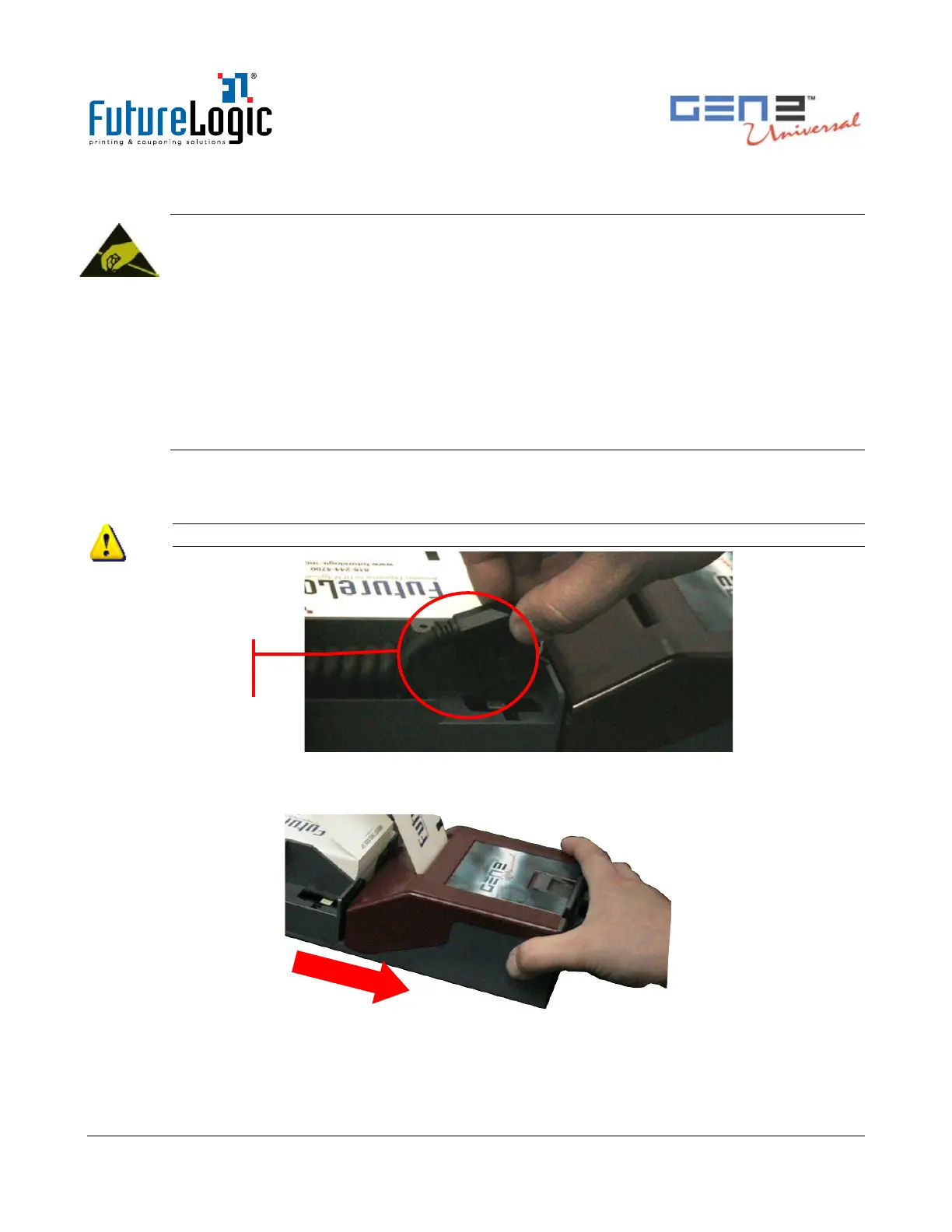
2. Disconnect the Coiled Cable Connector.
CAUTION! The cable is under tension.
Figure 4-2 Disconnect the Coiled Cable Connector
3. Slide the printer out until it stops in the stationary module.
Figure 4-3 Slide the Printer until It Locks
Connector



 To Next Page