Operators and Technicians Manual
2006 – 2013 FutureLogic, Incorporated. All Rights Reserved. MNL Page 4 04/29/2013
MNL-000032 REV.D
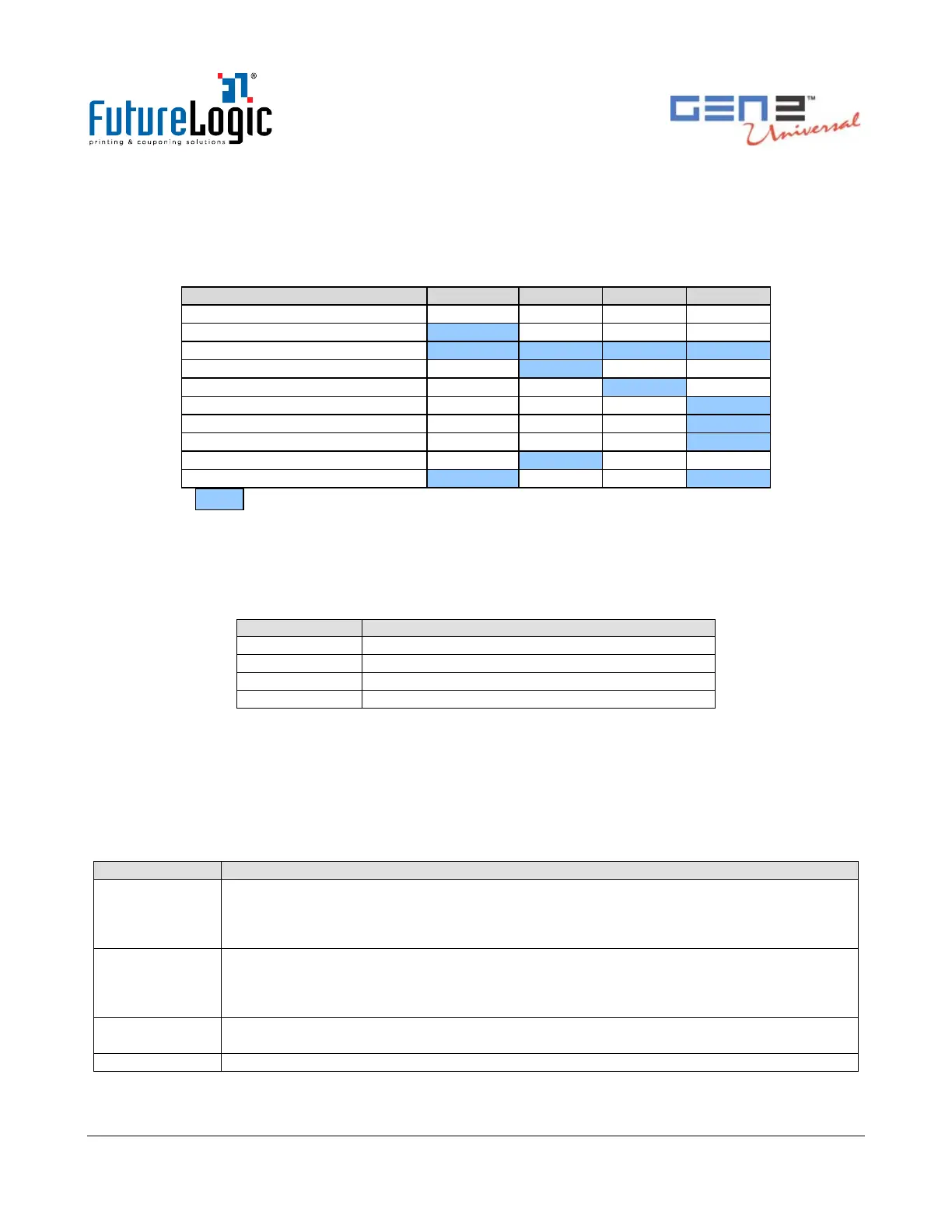
Keypad Status Light
The keypad LEDs report the status of the printer whenever power is present. Table 2-1 lists each
condition of the keypad LEDs.
Table 3-1 Keypad LEDs Status Reporting Printer Condition
Head Up or Ticket Module Open
= LED ON.
Bezel Operation
Use the front bezel display to determine the state of the printer while on the casino floor, at a
distance, without disturbing the game. Table 2-2 lists the conditions indicated on the bezel display.
Table 3-2 Bezel Display Status
Paper Low or Printer Error
Ticket Printing and/or Ticket in Chute
See Chapter 5 for information on the current ratings of the bezel ports.
Printer Sensor Functions
There are six primary sensor functions on the printer. These sensors work with the game firmware
to provide reliable trouble-free operation. Any error conditions resulting from these sensors are
indicated by the front bezel light and keypad LEDs. Table 3-3 describes each of these sensors.
Table 3-3 Sensors
The Paper Out sensor is located in the print head. It terminates the print operation when
the paper has run out and checks for proper form registration. The printer ceases printing
and feeding operations when it detects a Paper Out condition. Correct a Paper Out
condition by loading more paper into the unit.
The Paper Low sensor is located in the paper well. It determines when the paper stack has
approximately 2 tickets. A Paper Low condition automatically resets once a stack with a
greater height is loaded. Paper low sensing occurs when the system is idle and takes a few
seconds to detect the new paper level.
The Paper Taken sensor is located in the presentation chute of the printer. It determines
when the customer has actually taken their cashout ticket.
The Drawer Open sensor is located in the paper well. It detects when the printer is open.



 To Next Page