Operators and Technicians Manual
2006 – 2013 FutureLogic, Incorporated. All Rights Reserved. MNL Page 9 04/29/2013
MNL-000032 REV.D
4 Printer Service
Introduction
This chapter provides instructions on how to remove the printer to service it outside of the game.
Note: While the printer is hot connectable, it is still a good maintenance procedure to turn
off the power.
Important Information!
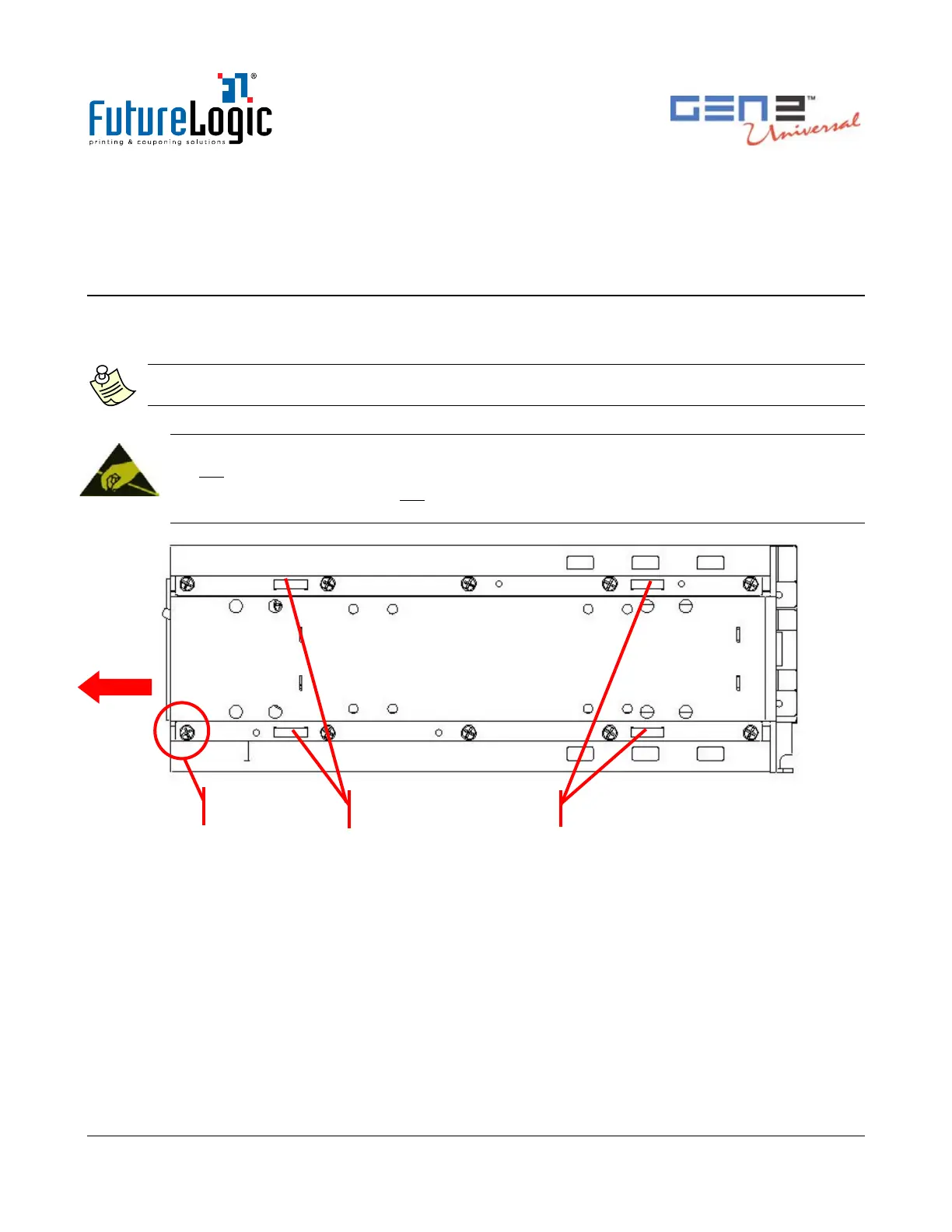
Do not remove the ground screw in the rail as it will release the internal nut!
After removing the printer, do not slide the unit on a tabletop or other surface. Doing so will
cause damage to the copper grounding clips on the bottom of the unit.
Figure 4-1 Ground Screw and Copper Grounding Clips Location



 To Next Page