p.18
Setting Up G-CONNECT
4. Finishing Setup
Once you’ve entered your information click on the
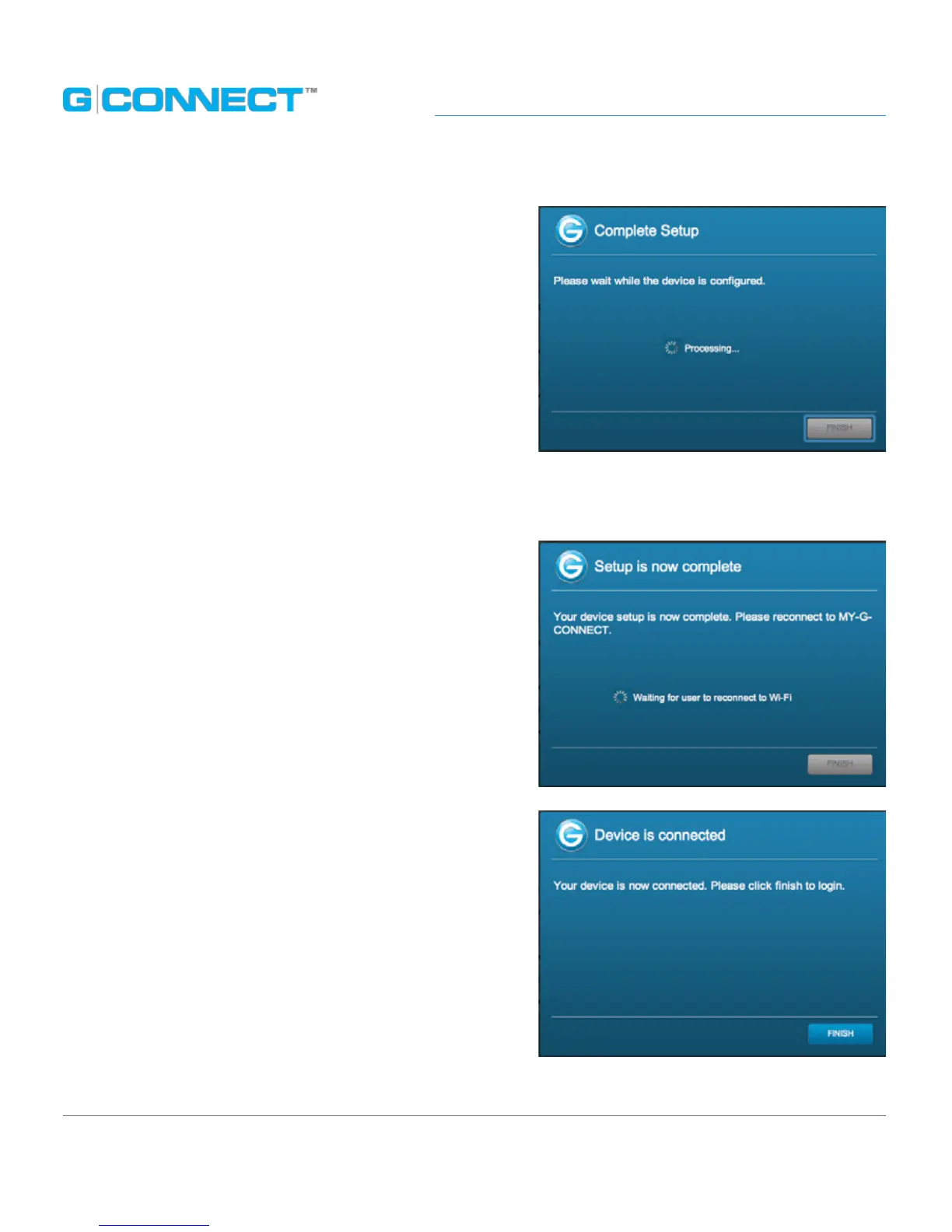
Submit button to complete setup. A dialog box
will appear notifying you that the device is being
congured.
5. Changing the Wireless Network (SSID) Name
If you decided to change the default Wireless
Network (SSID) name during the Setup process,
once you click on the Submit button your current
G-CONNECT-XXXX Wi-Fi network will be dropped.
You will receive a dialog box message asking you to
re-connect to the new network name.
Connect to the new network name in your View
Wireless Networks screen.
Once you are connected to the new Wireless
Network (SSID) Name, the dialog box will display a
corresponding message and ask you to click Finish
to log into the device.















 To Next Page