p.48
Unique G-CONNECT Features
Oine Mode for iPad
You do not need to connect to the device in order to access your les, since they are
directly stored on your iPad.
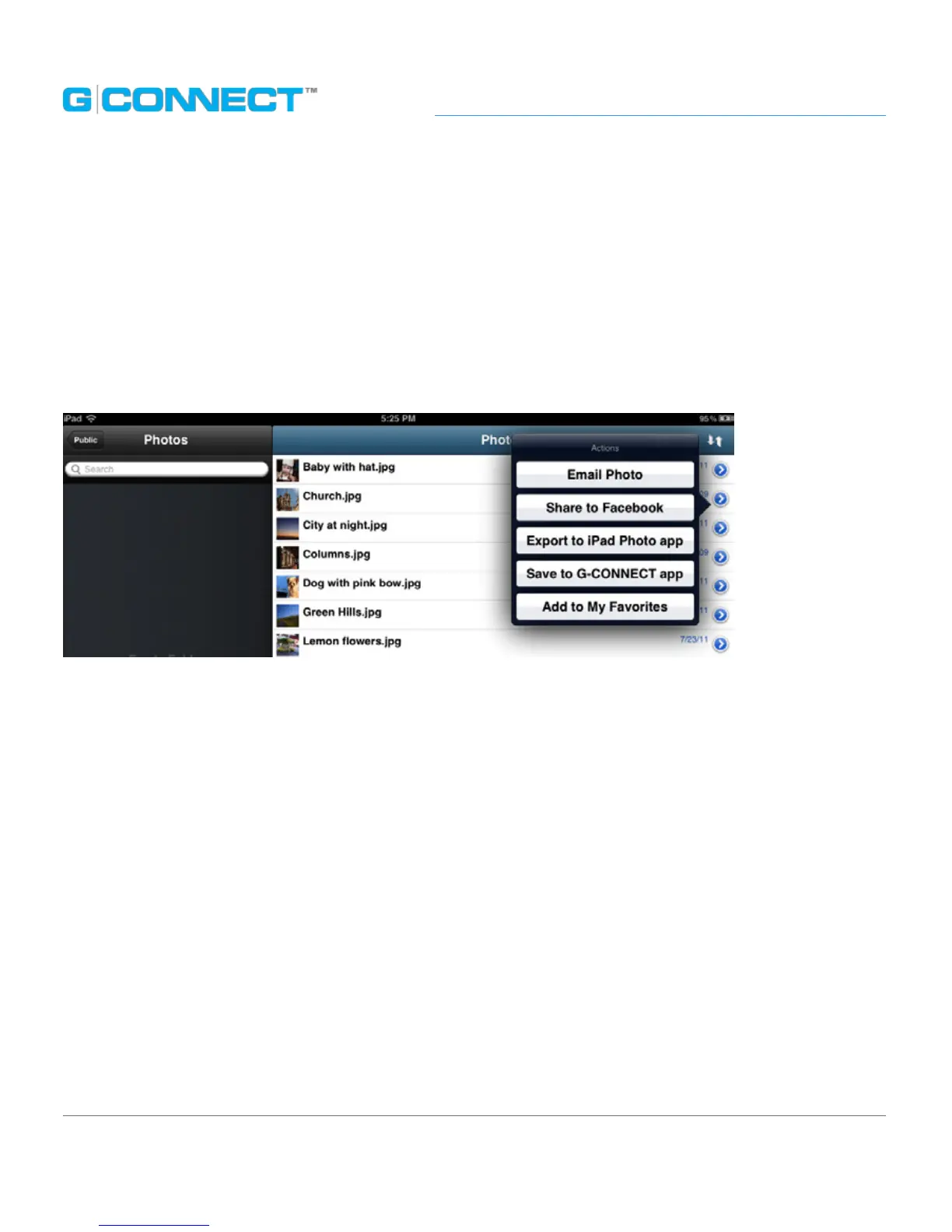
To save les for viewing in Oine Mode, you must select a le and view the Actions
Menu for that le. Within the Actions Menu is an option for ‘Save to G-CONNECT app’ in
the mobile G-CONNECT application.
In order to view these les, you will access the iPad icon. Any content saved to the
mobile G-CONNECT app is viewable when you do not have a connection to your
G-CONNECT.















 To Next Page