p.39
Overview of iPad
®
/iPhone
®
App
Getting Started
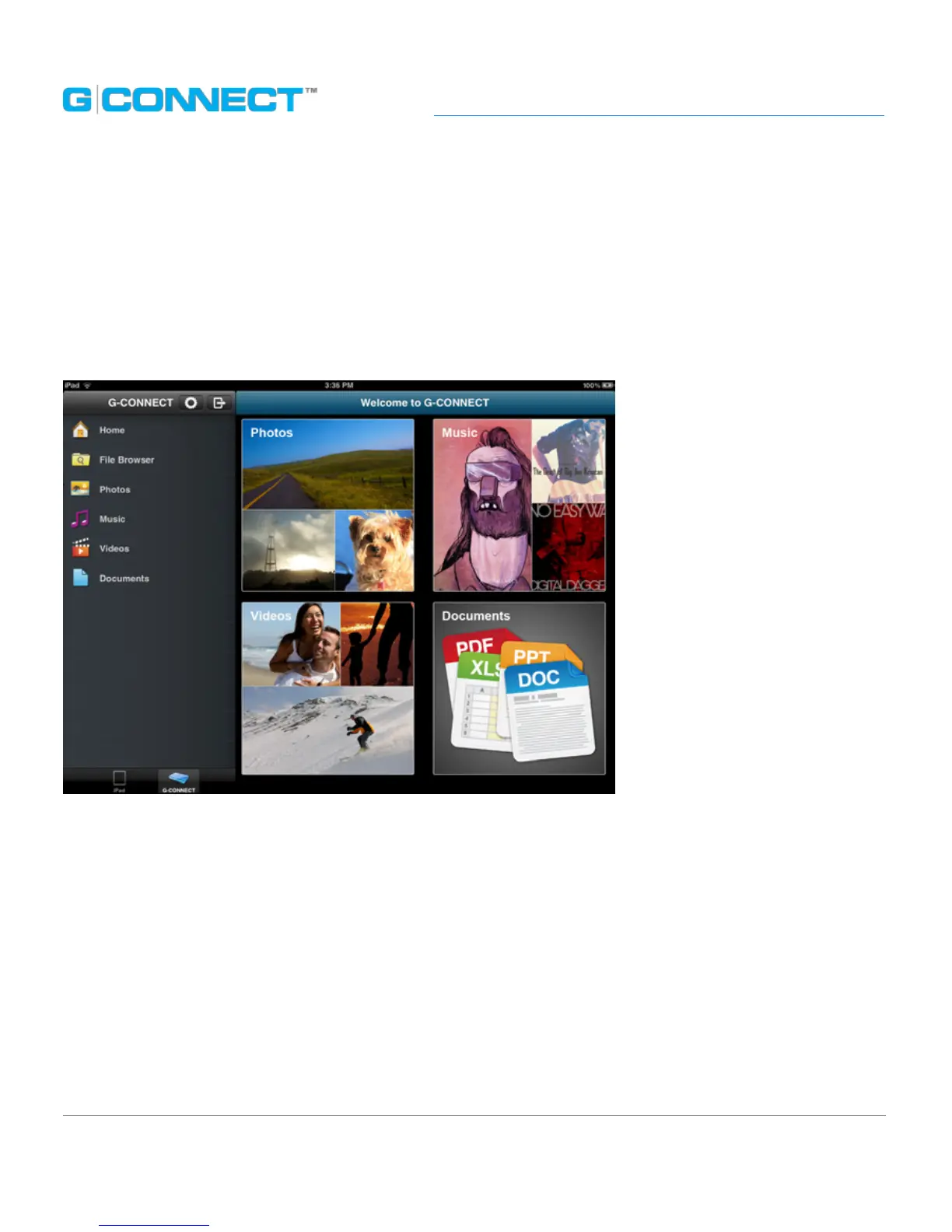
When you launch the iPad App, the Main UI window will display the Welcome to
G-CONNECT screen. The screen contains four large icons for Photos, Music, Videos
and Documents. Clicking on these icons is a quick way to view content in each of
these categories.
The iPad App is similar to the Web Application interface as it also has a left-side
Navigation Bar, a Header Bar and a Main UI.















 To Next Page