p.31
Overview of Web Application
Main User Interface (UI) Screen
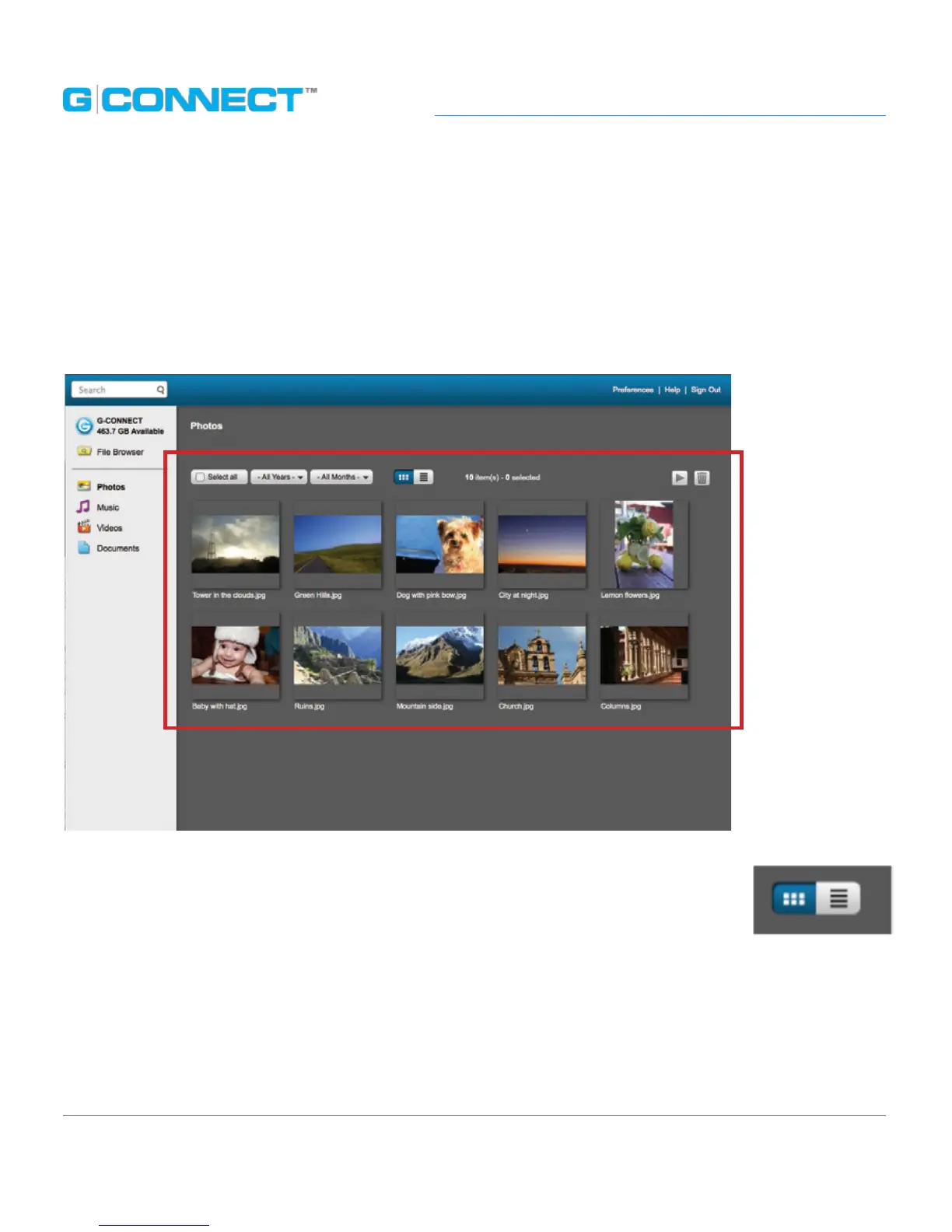
The Main User Interface (UI) is where you view and interact with the content on their
G-CONNECT device. When you click a link in the Navigation Bar, the Main UI will display
the related content in a browsing view. The default view upon signing into the Web
Application is the Welcome to G-CONNECT section.
The Main UI has two viewing modes: Thumbnail Viewing mode and List
Viewing mode. You can switch back and forth between the two using the
buttons on the screen.















 To Next Page