p.32
Overview of Web Application
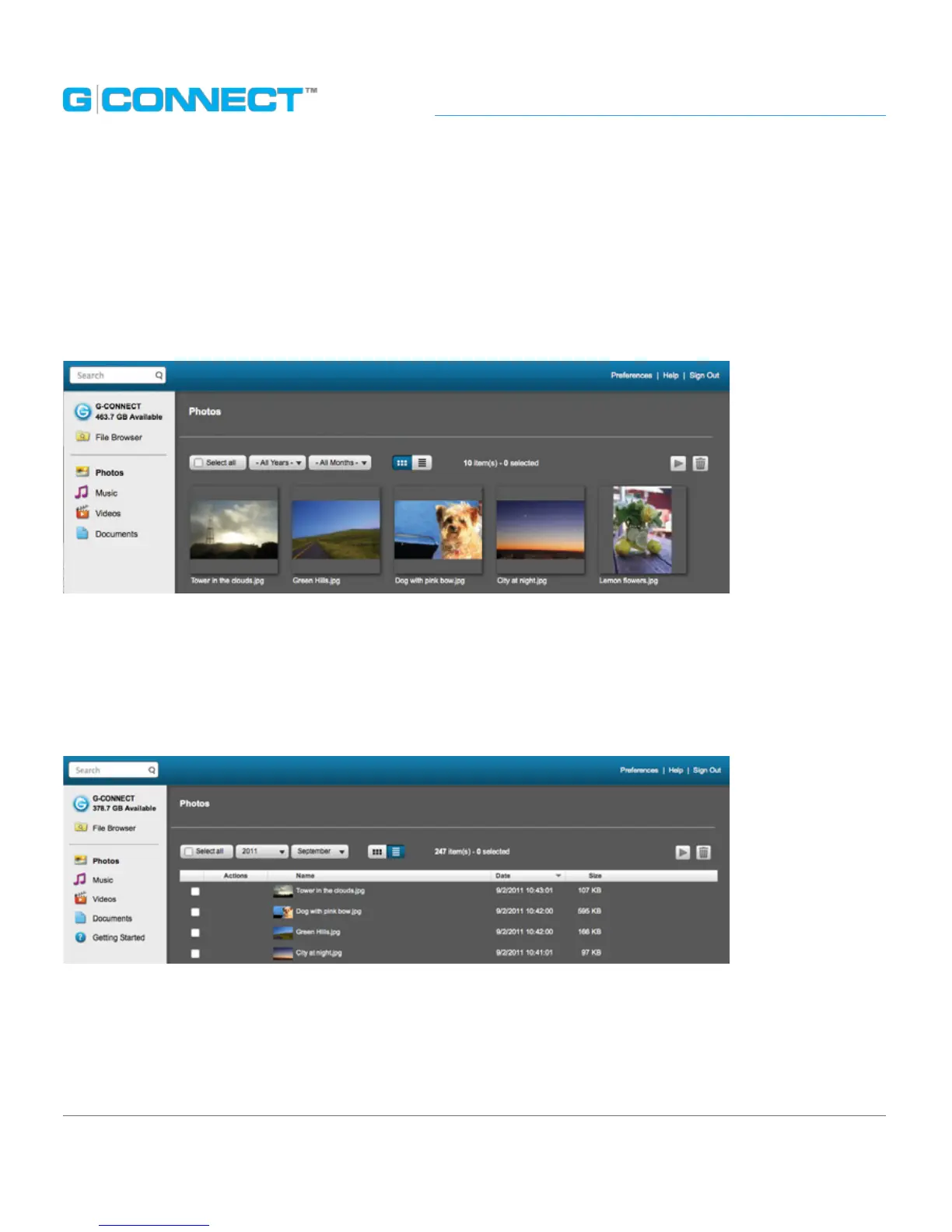
Thumbnail Viewing Mode
Thumbnail Viewing mode displays small pictorial images of les on G-CONNECT along
with the le name underneath. The image that is displayed represents the media type,
such as a .JPEG or .PDF document. Folders and subfolders that you create will also be
displayed here.
List Viewing Mode
List Viewing mode displays media les in a row and column format. Each row contains
a small thumbnail image alongside the le name, le date and le size. Each column
heading allows you to sort the content in this view only.
The Main UI contains functions that allow you to sort content, view content in
dierent ltered modes as well as delete les. Some of the functions will be
dierent depending on if you are in the File Browser or within the ltered views
of Photos, Music, Videos or Documents.















 To Next Page