p.41
Overview of iPad
®
/iPhone
®
App
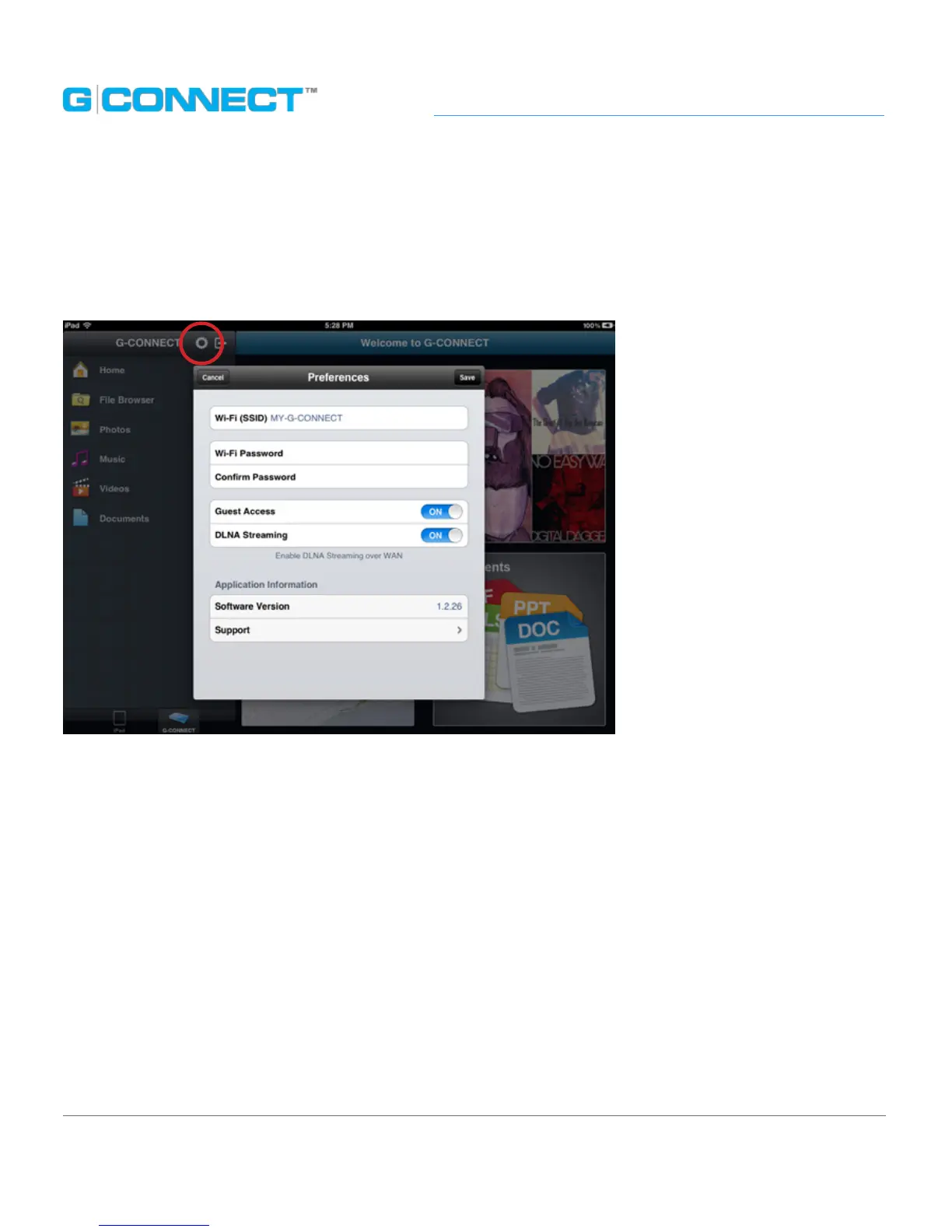
Preferences: iPad App
Located at the top of the Navigation Bar, this option is available only to Admin
users to update their device preferences and passwords.
• SSID Hotspot: Wireless Network (SSID) name entered during setup. You may change this
information here. Remember to re-connect to the new network upon saving.
• Wi-Fi
®
Password: Enter a new Wireless Network (SSID) password.
• Conrm Password: Conrm the new Wireless Network (SSID) password.
• Guest Access: Allows the admin user to turn o guest access. This option is turned ‘on’ by
default.
• DLNA Streaming: Turns o streaming to other DLNA compliant devices from your iPad
app. This option is turned ‘on’ by default.
• Software Version: Displays the current iPad app software version.
• Support: Links to the G-CONNECT Support Page. *Requires an Internet connection.















 To Next Page