p.44
Overview of iPad
®
/iPhone
®
App
Oine Mode
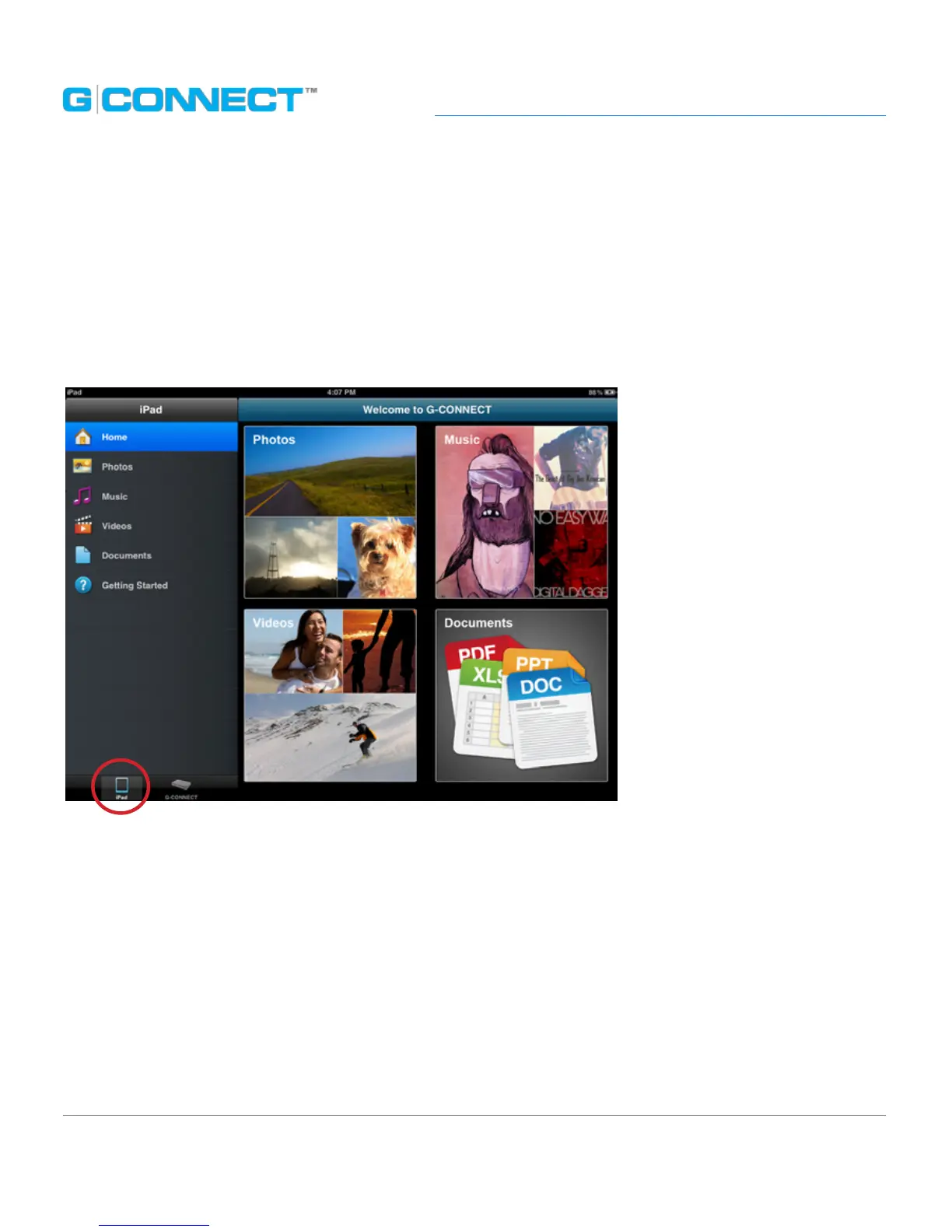
In the Navigation Bar, select the iPad icon. This is used to view content that has been
locally saved to the iPad device.
When you tap this option, you will be taken into an oine version (not connected) of
the G-CONNECT iPad application.
You will come to the Welcome Screen that has four large icons for Photos, Music, Videos
and Documents.
You can tap on any of the icon links to be taken directly to the specied media les
stored on the iPad. The left side of the screen has text links that you can tap on as well,
to be taken directly to the specied media les stored the iPad.















 To Next Page