p.50
Additional Resources
Connecting to the Internet
You can use your G-CONNECT device as a Wi-Fi hotspot to browse the Internet. Just
plug the Ethernet cable from your home router into the G-CONNECT device and open
a browser to begin surng the web.
Web Application Preferences
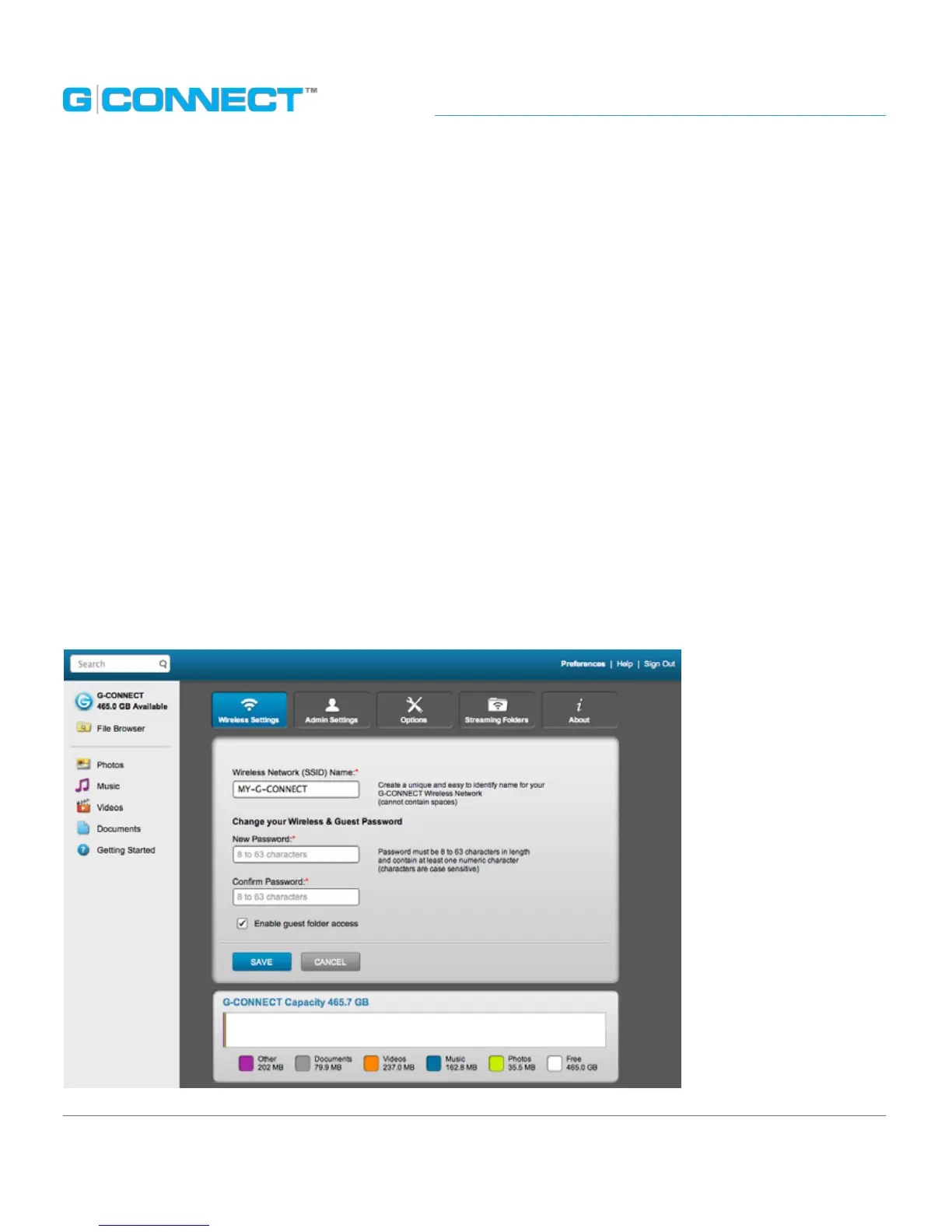
You may update your System Preferences in both the Web and Mobile applications by
clicking on the Preferences link.
The Preferences page in the web application is viewable only to the Admin user and
allows them to update user and device preferences for the G-CONNECT.
The Preferences page is organized into ve tabs with SAVE and CANCEL buttons on
each tab. The Save button will apply the change while the Cancel button will take the
Admin user out of the Preferences and back to media browsing.
Note: There is a
subset of the list
of Preferences from
the Web Application,
within the mobile
application. The
information on this
page is carried over
during the setup
process, but can also
be updated here.















 To Next Page