p.16
Setting Up G-CONNECT
STEP 3: Setup Your Device
The G-CONNECT Setup page contains two main sections with checkboxes at
the bottom. The information that you enter on this page is used to operate your
G-CONNECT device.
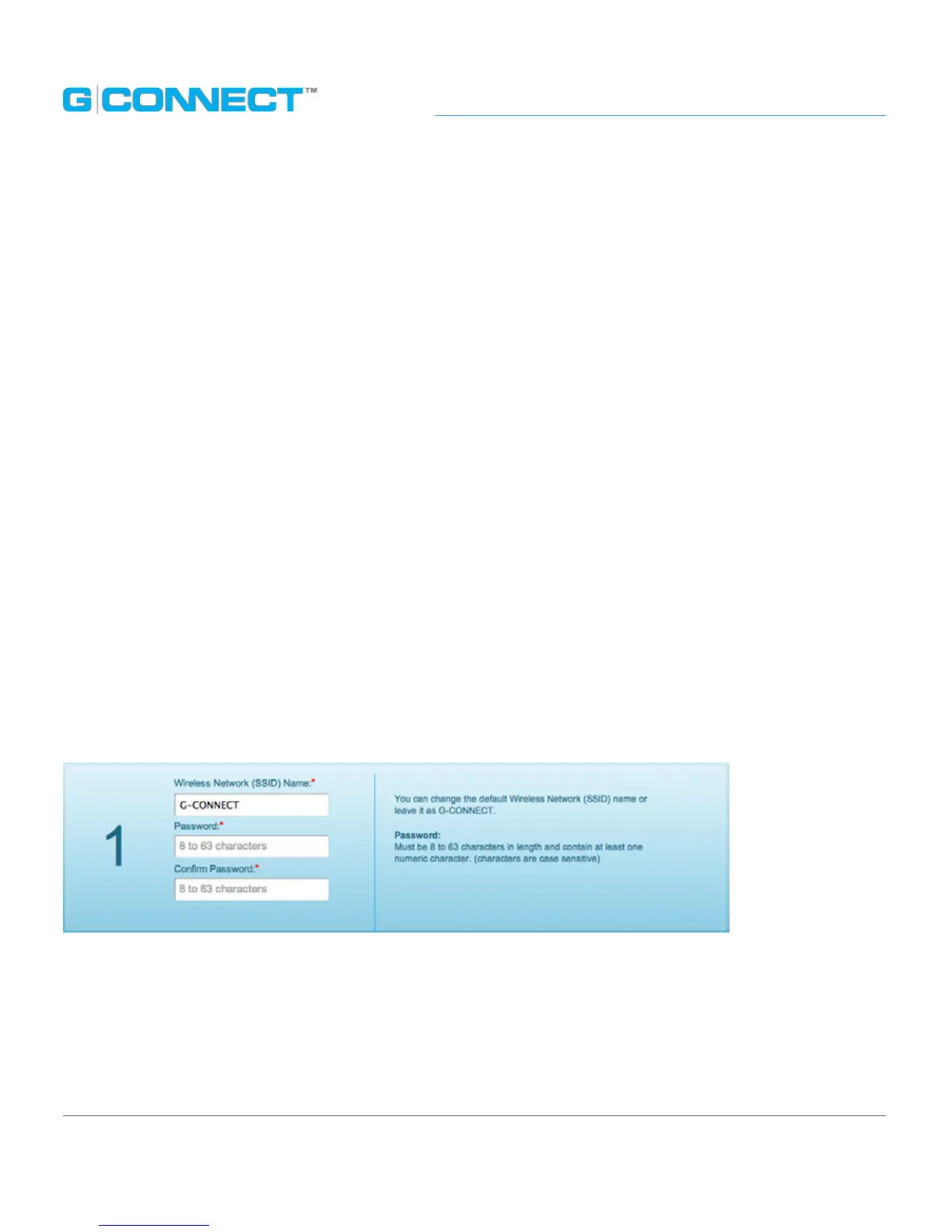
1. Wireless Network (SSID) name
The Wireless Network (SSID) name displays the default name of the G-CONNECT
wireless network. You can leave this as the default or change it to something more
meaningful to you.
Next, create a password. The password must be at least eight characters in length and
include at least one numeric character.
Retype your password in the Conrm Password eld and make certain to write down
this information in a safe place for later use.
If you have chosen to change the Wireless Network (SSID) name, please read the
section Changing the Wireless Network (SSID) name below.















 To Next Page