p.29
Overview of Web Application
Navigation Bar
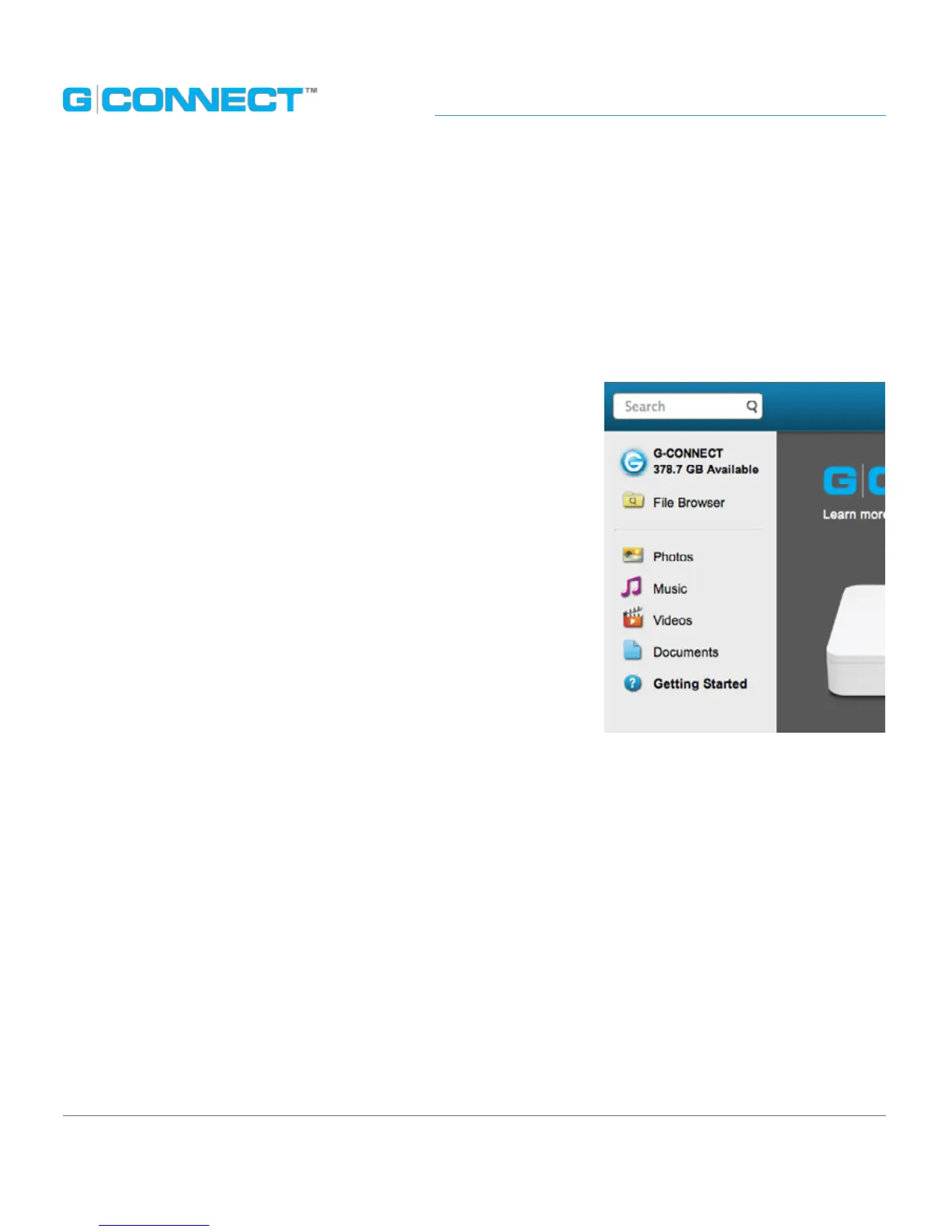
The left side Navigation Bar contains quick links to dierent browsing views. As you drill
down into most of these links, the content will update in the Main UI window.
The following links are available on the left side Navigation Bar.
• G-CONNECT icon: This G-CONNECT icon displays the
total capacity available on your device, and takes you
to the ‘Welcome to G-CONNECT’ page.
• File Browser: Use File Browser to nd and manage
content on your device, based on a folder structure.
• Photos: Filters the photo media types on your device,
such as .JPEG, .PNG and .TIF le types, and displays
thumbnails of the photos.
• Music: Filters the music media types on your device, such
as .MP3 and .M4A les.
• Videos: Filters the video media types on your device,
such as .MOV and .MP4 le types.
• Documents: Filters the document media types on your device, such as .PDF, .DOC, .PPT
and .XLS le types.
• Getting Started: Provides information and tips to help you get the most out of your
G-CONNECT.















 To Next Page