p.42
Overview of iPad
®
/iPhone
®
App
Main User Interface (UI)
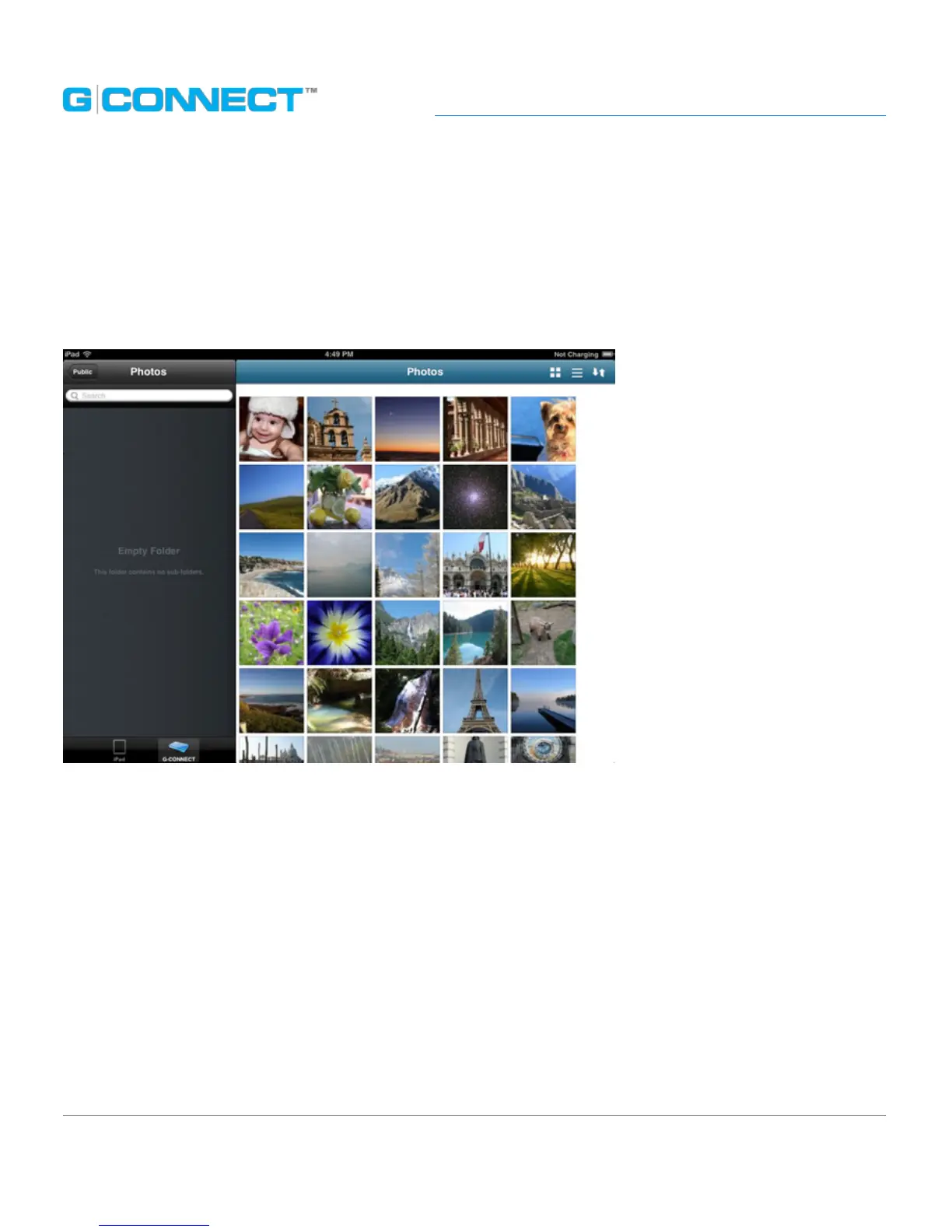
The Main User Interface (UI) is where you view and interact with the content on your
G-CONNECT device. When you click on a link in the Navigation Bar, the Main UI will
display the related content in a browsing view.
The Main UI has two viewing modes that present content in dierent layouts:
Thumbnail Viewing mode and List Viewing mode. Users can switch back and forth
between the two using the buttons on the screen. The default view upon signing into
the iPad App is the Welcome to G-CONNECT screen.















 To Next Page