p.30
Overview of Web Application
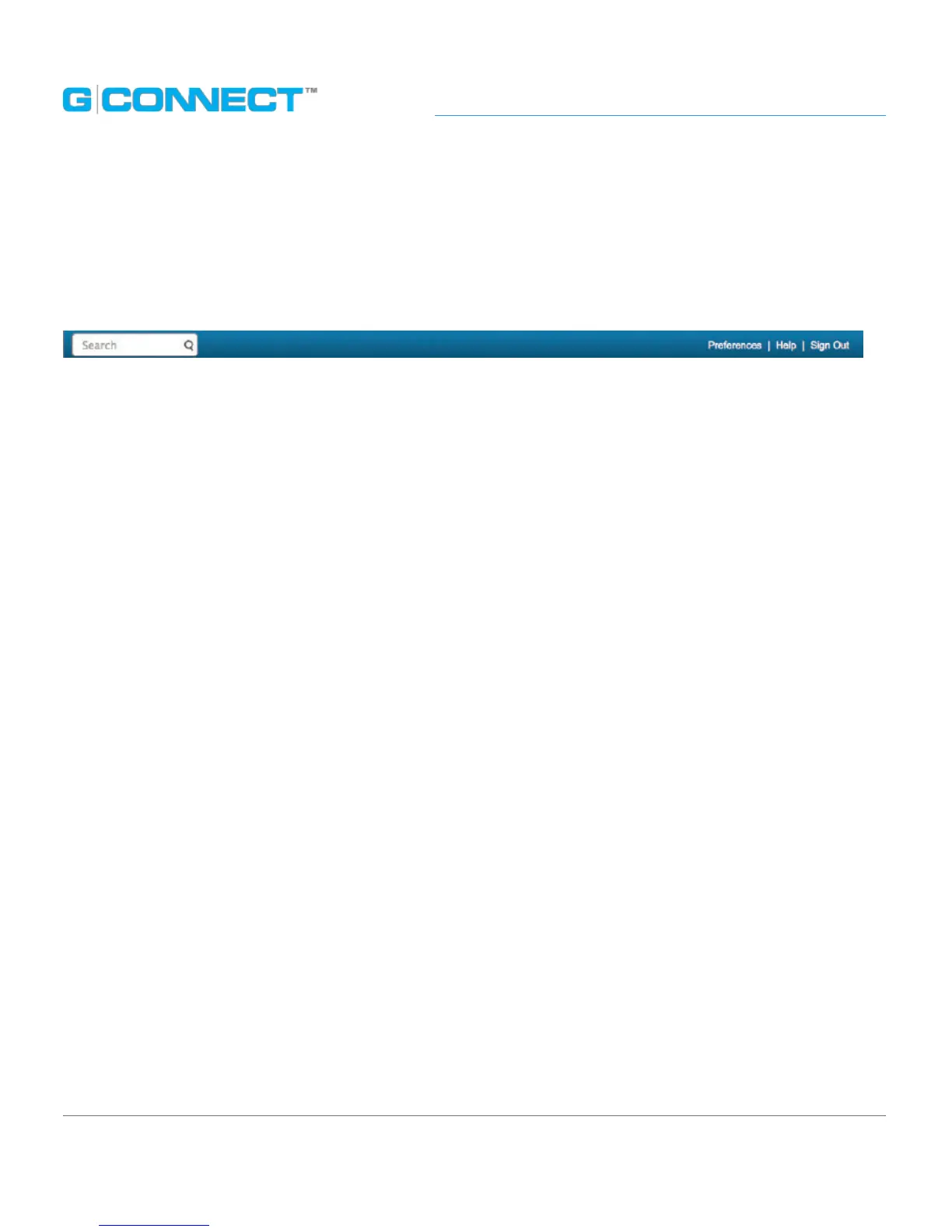
Header Bar
Horizontally across the top of the screen is the Header Bar, which contains helpful
features such as the Search box and links for Preferences, Help and Sign Out.
• Search eld: Enter keywords in this eld to search for les on your G-CONNECT. Click
on the magnify glass or hit the <ENTER> on your keyboard to execute the search.
• Preferences: Admin users can access the Preferences link to update device settings
such as their passwords.
• Help: Navigates you to the G-CONNECT Support page for more detailed support
information.
• Sign Out: Allows you to sign out of the Web Application.















 To Next Page