p.46
Unique G-CONNECT Features
Unique G-CONNECT Features
G-CONNECT oers many simple and unique features that allow you to view and
manage your content while in your home, dorm room, oce or on-the-go.
Stream Content to Other Devices
For a terric entertainment option, use G-CONNECT to wirelessly stream content from
the device to iTunes, iPad, personal computers and other DLNA compliant devices.
Using the File Browser in the Web Application, Admin users can select a folder and click
on the ‘Streaming Share’ button to share the contents within this folder with iTunes and
other DLNA compliant devices.
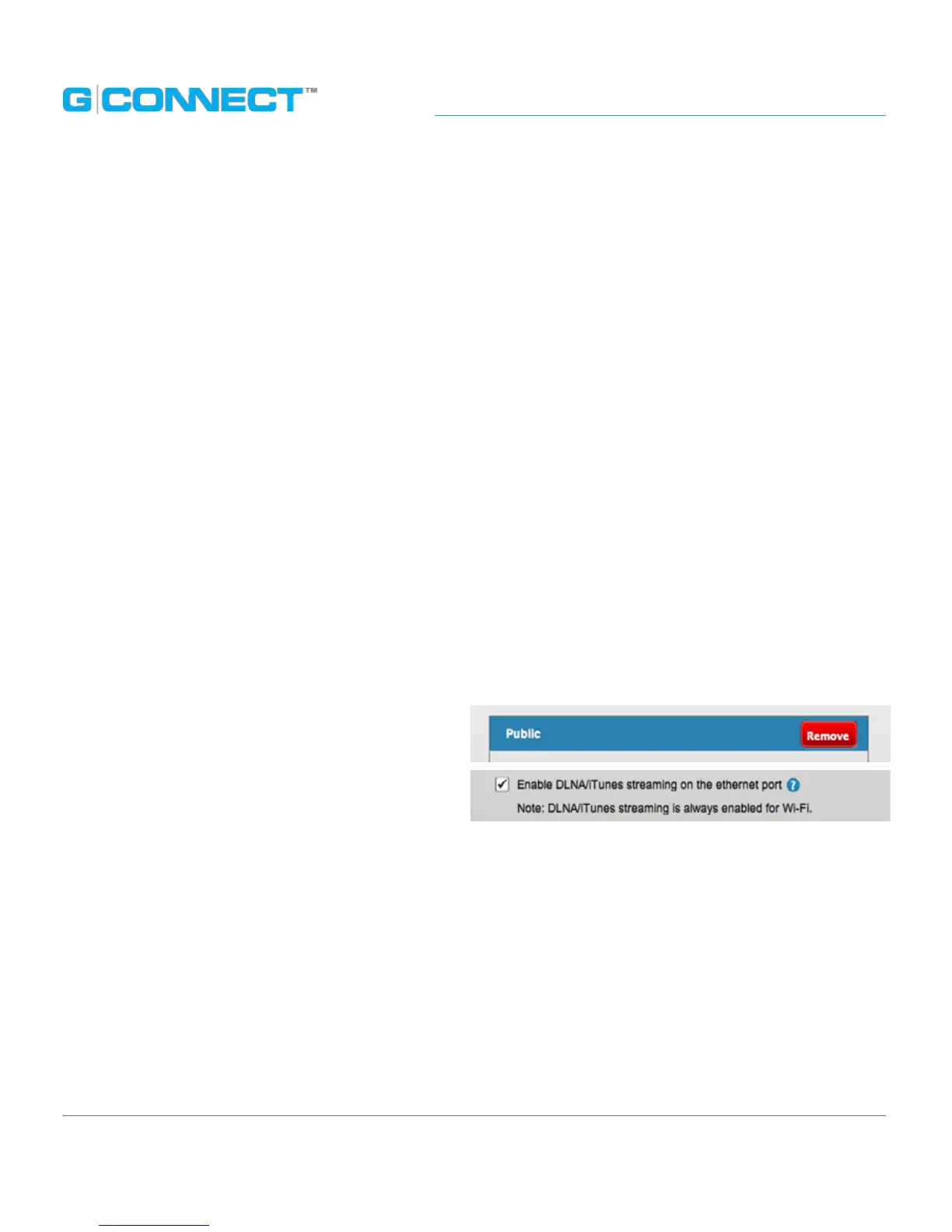
To remove the folder from being shared in the future, the Admin can go to the
Streaming Folders tab of the Preferences page. This page will display a list of folders that
are shared to iTunes and other DLNA compliant devices. Hover over each folder to see a
‘Remove’ button to un-share the folder.
You can completely disable streaming
by un-checking the ‘Enable DLNA/iTunes
streaming on the Ethernet port’. DLNA
streaming is always turned on for Wi-Fi. See
the Streaming Folders Tab section
for more information.
Create a Wi-Fi Hotspot
To create a Wi-Fi hotspot, plug in a network connection from your router to the
G-CONNECT Ethernet port. Point your wireless devices, such as your personal computer
or iPad, to the G-CONNECT network. You will be able to access both
G-CONNECT’s content and the Internet simultaneously.















 To Next Page