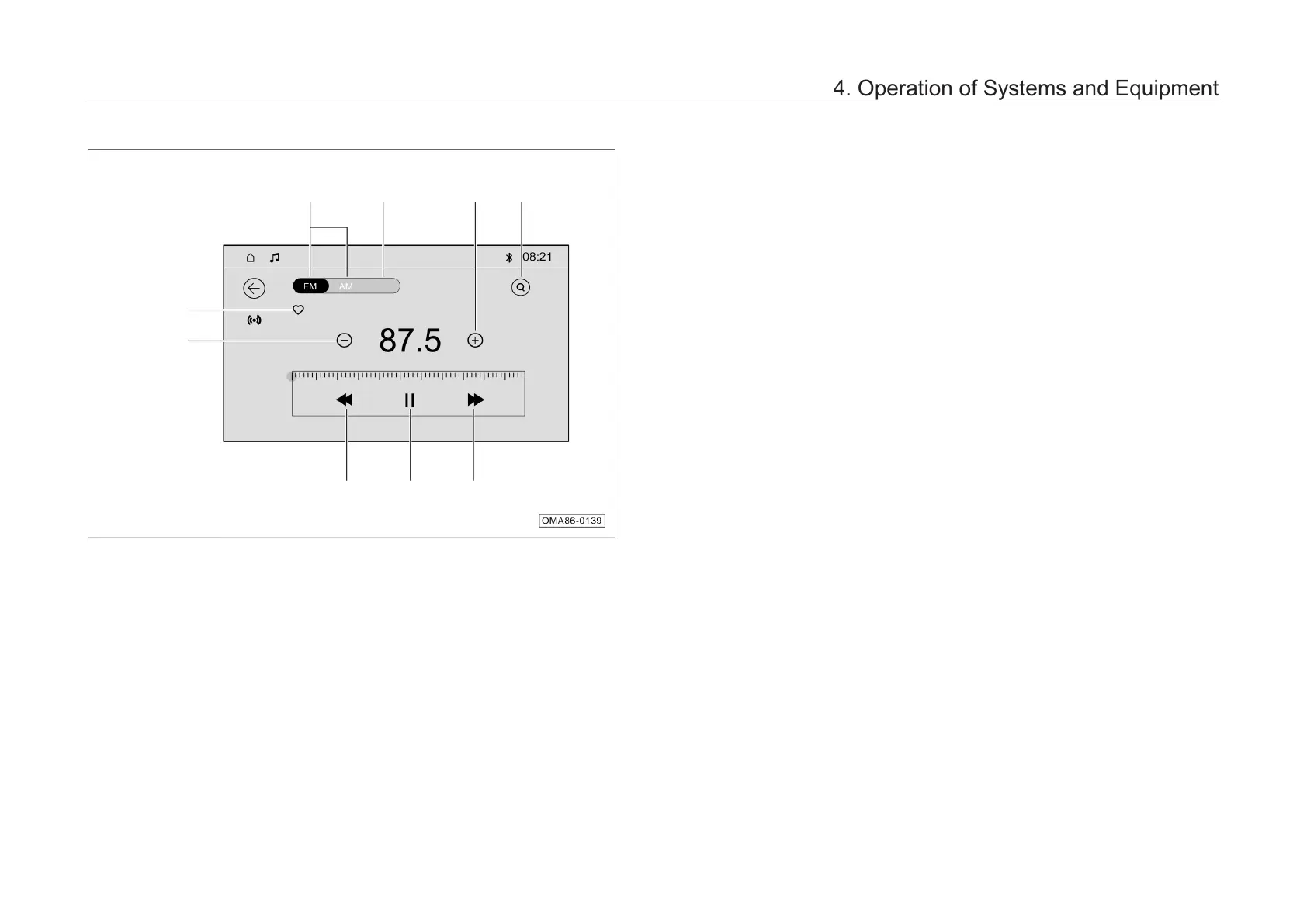
4.6.4 Radio
The AV main unit enters th
interface in the following ways:
– Click the “Local FM” card in the main interface
of the main unit to enter the radio mode.
–
Shortly press the “MODE” button on the
control panel continuously to switch to radio
playback.
– Shortly press t
he “MODE” button on the left
side of the steering wheel continuously to
switch to radio playback.
4. Operation of Systems and Equipment



 To Next Page