4.6.8 Car setting (applicable to cars with AV main unit)
In the More menu interface, click “Car Settings” card or continuously shortly press “SET” button on the control panel to enter the Car Settings interface. In the
Settings interface, click an option to select it, click the slider to turn on or off the function, and drag the progress bar to make adjustment.
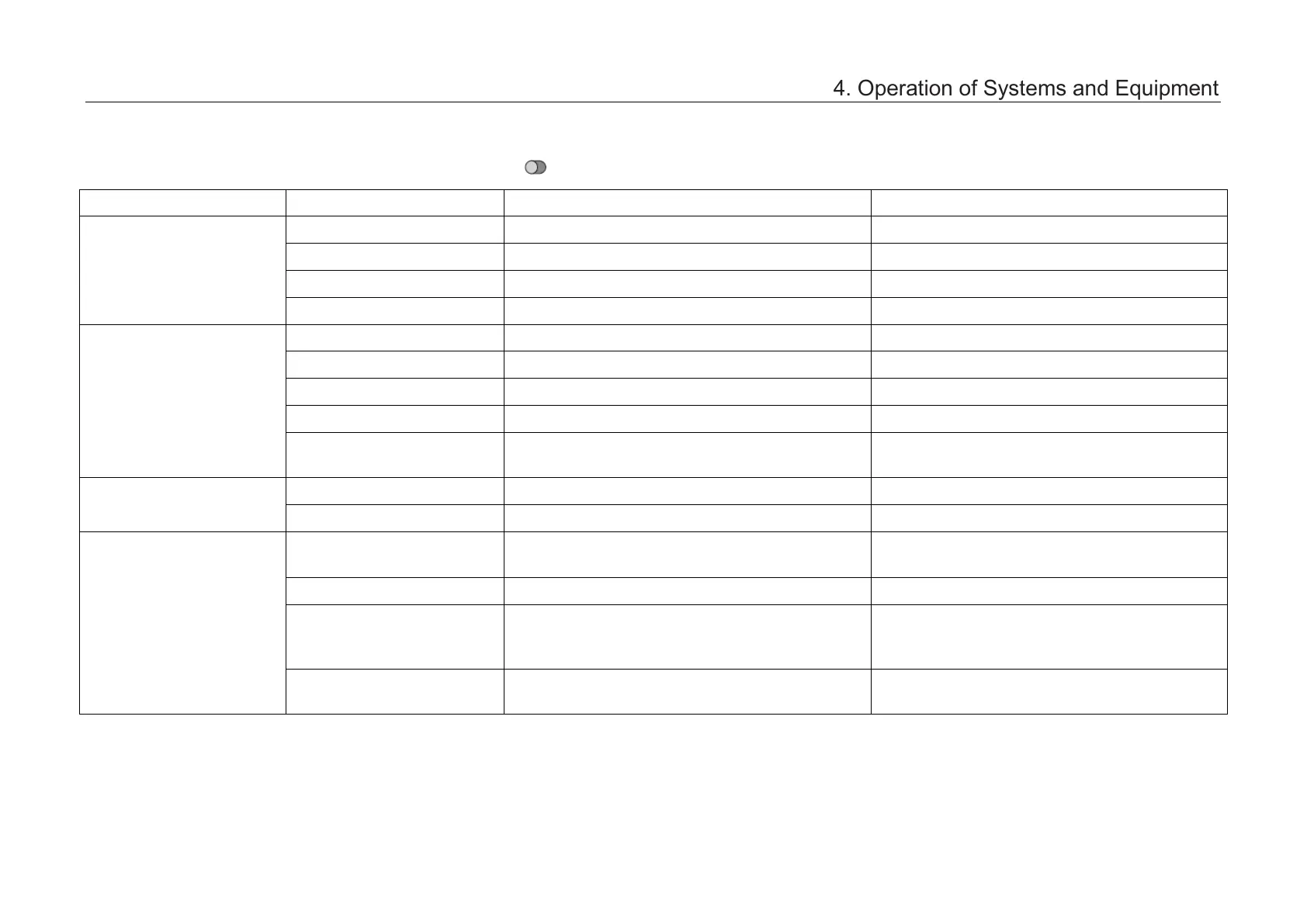
Settings group Function Description Optional settings
Driver Assistance
Safe speed warning (km/h) Set the safe speed warning Range: Off~200
Steering mode Set the steering force of the steering wheel Comfort/Standard/Sport
Parking assist chime Set the parking assist chime On/Off
ESPOFF button Turn ESP on or off ESP On/TCS Off/ESP Off
Intelligent body
Intelligent active lock* / On/Off
Intelligent active unlock* / On/Off
Remote unlock Set remote unlock of doors All doors/Driver door only
Automatic unlock / On/Off
Remote control windows &
sunroof
/ On/Off
Light control
Follow me home Select Follow me home light mode Off/Low beam/Low beam and rear foglamp
Daytime running light / On/Off
A/C settings
Intelligent air quality
control*
/ On/Off
A/C comfort Select A/C comfort curve mode Soft/Normal/Fast
Sensitivity adjustment of
intelligent air quality
control*
Select the sensitivity mode of intelligent air
quality control
Low/Medium/High
Maximum air volume in
auto mode
Select the air volume in auto mode Low/Medium/High
4. Operation of Systems and Equipment



 To Next Page