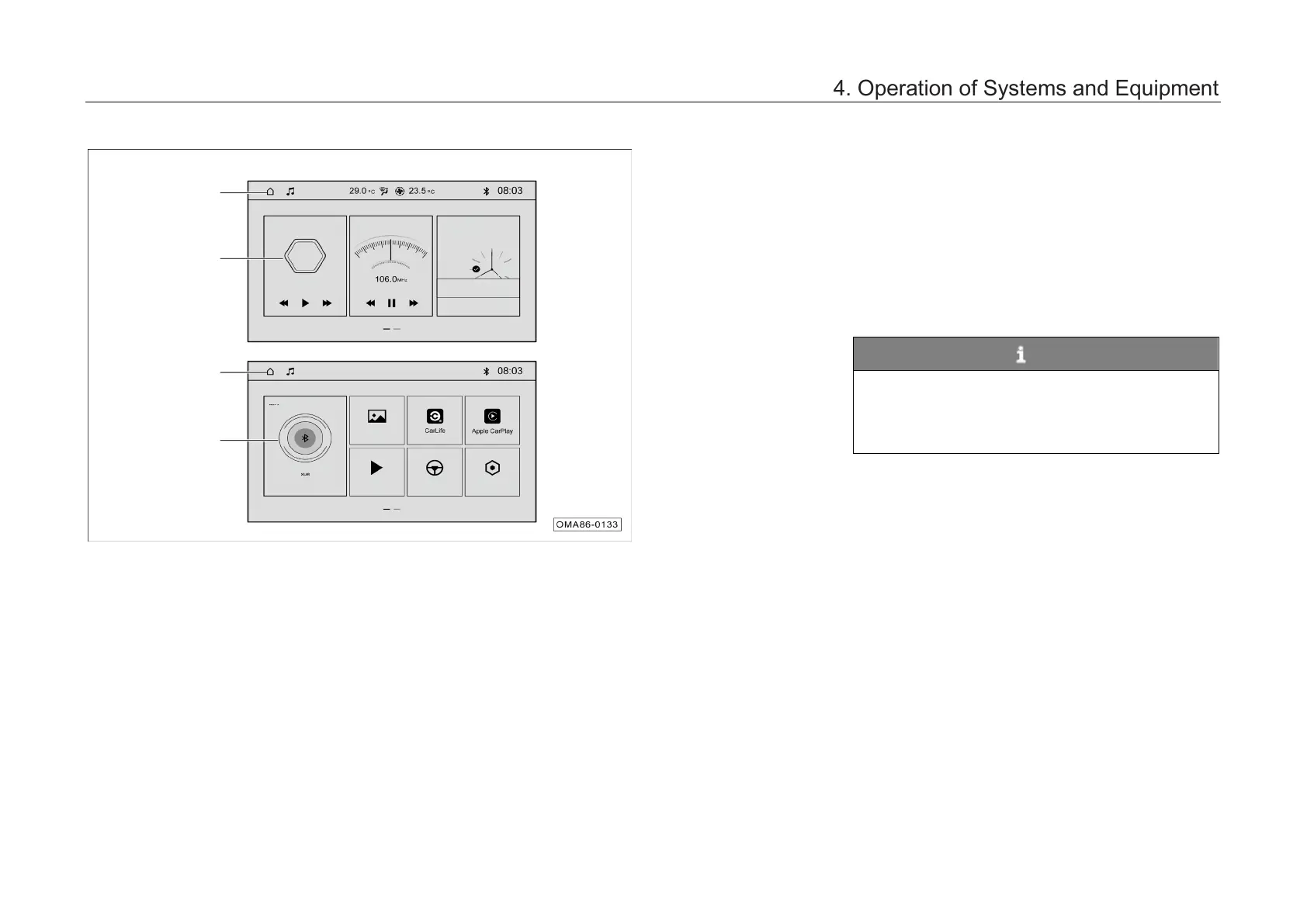
4.6.3 Basic operation
–
Swipe left and right to switch between
interfaces.
– Click on the cards to enter the corresponding
functions.
Status bar
–
The status bar displays the system
information, and some icons support clicking
to enter the corresponding function interfaces.
NOTE
The main interface is only shown as an
example, which acts as a guide for cars with AV
main unit. The specific functions and interfaces
depend on the actual car configuration.
Settings
4. Operation of Systems and Equipment



 To Next Page