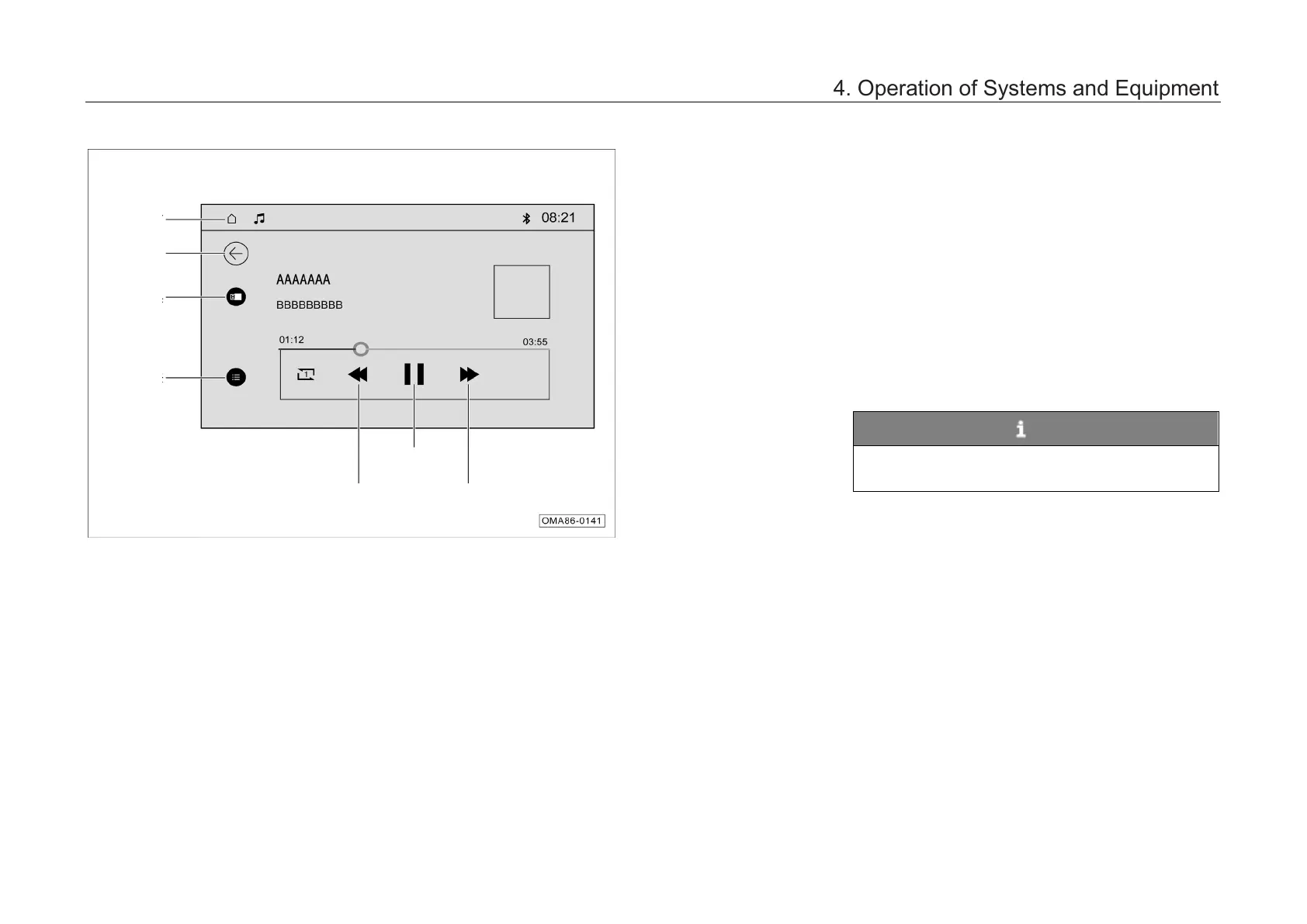
4.6.5 USB playback
The AV main unit enters the USB music playback
mode in the following ways:
–
Click “Local Music” card in the main menu
interface to enter t
selection interface and click “USB” to switch
to the USB music playback mode.
–
Shortly press the “MODE” button on the
control panel continuously to switch to USB
music playback mode.
–
Shortly press the “MODE” button on the left
side
of the steering wheel continuously to
switch to USB music playback mode.
NOTE
If there is iPod function, refer to the operation
methods for USB.
4. Operation of Systems and Equipment



 To Next Page