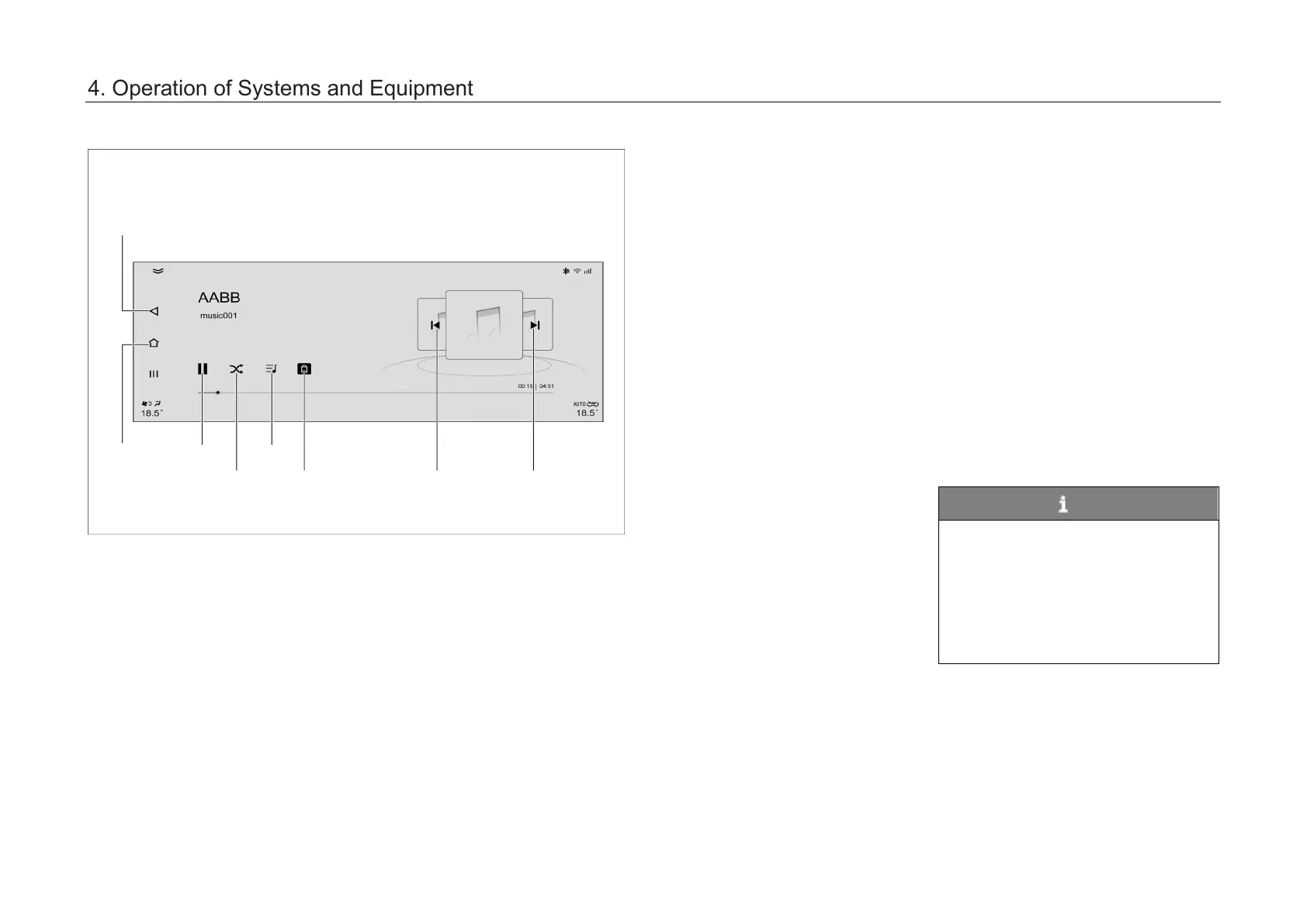
The AVNT main unit enters the USB
music playback mode in the following
ways:
– Click “QQ Music” so
ft key in the
application menu interface to
enter the music application
interface, click “Local Music” and
then click “USB”.
– Shortly press the “MODE” button
on the control panel continuously
to switch to USB music playback
mode.
– Shortly press the “MODE” button
on the left side of the steering
wheel continuously to switch to
USB music playback mode.
NOTE
The music application interface has
three functions: Music hall (Online
music), Local Music, My Music, and
only Local Music is introduced here.
The AV system supports USB flash
drives with capacity up to
32GBFAT, FAT32 and ExFAT.
button
switching
4. Operation of Systems and Equipment



 To Next Page