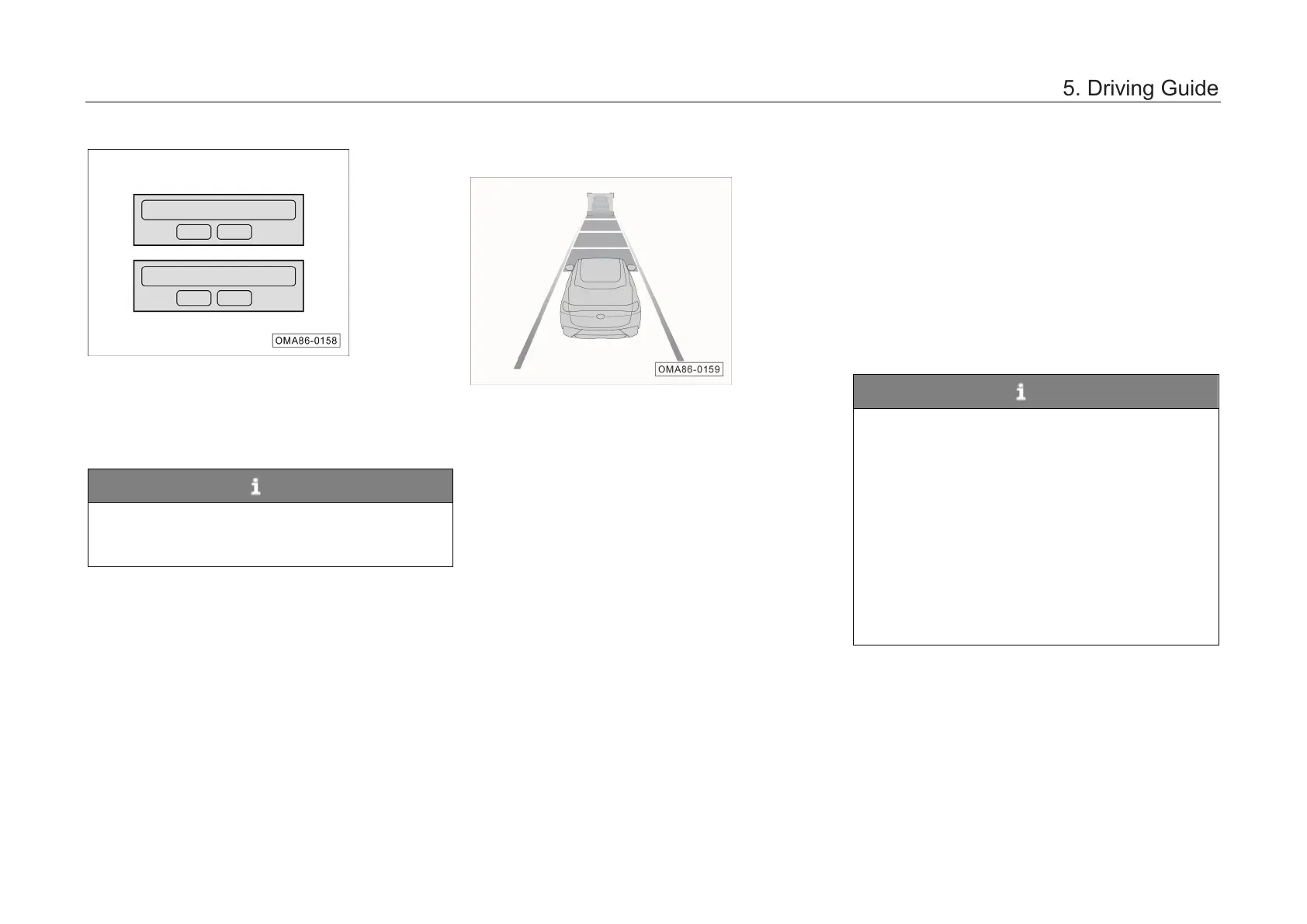
– When the forward collision warning system is
turned on or off, a double confirmation
window will pop up on the display of AV
system. In this case, click “OK” or “Cancel” to
confirm the switch operation.
NOTE
After being turned off, the forward collision
warning system will no longer warn of vehicle
and pedestrian targets.
Alarm
When the forward coll
ision warning system gives a
warning, there are three types of prompts:
1. Distance warning.
When the
warning of forward collision warning
system is triggered, an icon will flash on the
instrument cluster.
2. Proximity warning.
When the warning of forward collision warning
system is triggered, an icon will flash on the
instrument cluster and an audible ala
given at the same time.
3. Short braking.
– When the car has a high risk of colliding with
the moving target vehicle, short braking is
triggered to better remind the driver that the
brake shall be applied immediately.
NOTE
• "Far, medium and near" can be set through
the "System Settings → Driving Assistance
→ Longitudinal Driving Assistance →
Forward Collision Warning Distance
Warning” interface of AV system. There is a
memory function for the forward collision
warning distance to remember the
warning distance.
• Depressing the accelerator pedal or turning
the steering wheel will terminate the
warning of forward collision warning
system.
Please confirm whether to turn on the forward
collision warning system?
Please confirm whether to turn off the f orward
collision warning system?



 To Next Page