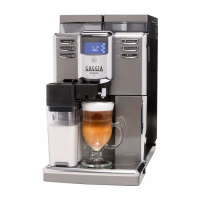
GAGGIA ANIMA 05 TROUBLESHOOTING
Pag. 2/9
Verify the fi rmware version
Verify the fi rmware version
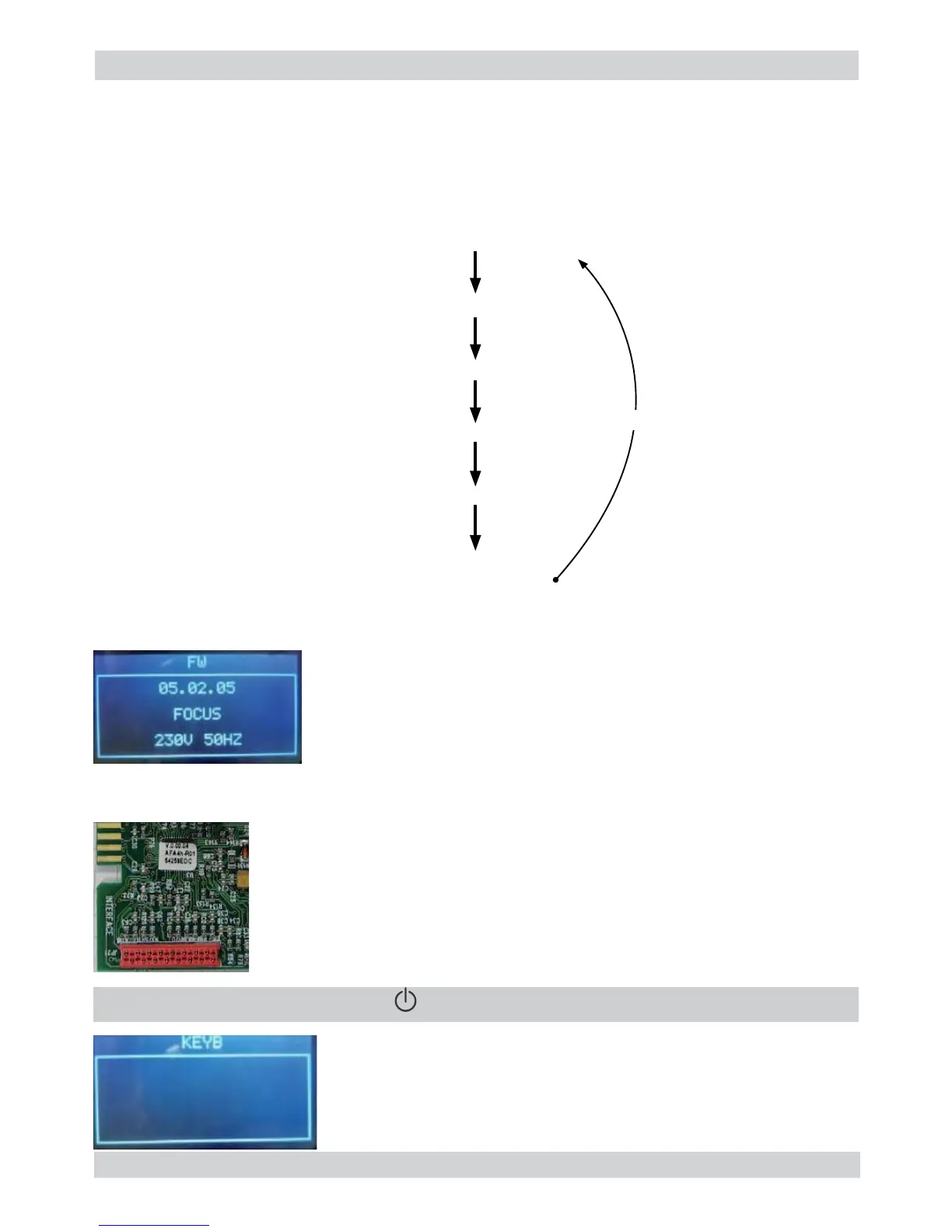
Firmware version on the display.
Firmware version on the display.
The machine model is shown
The machine model is shown (Focus ⇒CMF, Class ⇒AMF, Top ⇒OTC)
The voltage of the main supply “230V”
The voltage of the main supply “230V”
The frequency of the main supply is shown (50 or 60 Hz)
The frequency of the main supply is shown (50 or 60 Hz)
The fi rmware version is the same as the label on MicroController
The fi rmware version is the same as the label on MicroController
ERROR: The fi rmware version is different from the label on MicroController;
change the CPU_POWER Boards !
If in machine model fi eld is written “Unknow” and backlight of display is Red, check the
If in machine model fi eld is written “Unknow” and backlight of display is Red, check the
The machine passes to the Page 1 (KEYBOARD)
The machine passes to the Page 1 (KEYBOARD)
ERROR: The page does not change; Check the interface board and
the fl at cable (JP21)
” to move to the next screen
” to move to the next screen
Page 5: High voltage loads test (Heater , Grinder ):
a) Heater (230V AC)
b) Grinder (320V DC)
The user can change the page by pressing the Z7 button.
Page 0 is accessible only entering Test Mode from power-off mode; at the start up all loads are
turned off.
TEST MODE Level0
TEST MODE Level1
TEST MODE Level2
TEST MODE Level3
TEST MODE Level4
TEST MODE Level5
Pressing button Z7
Pressing button Z7
Pressing button Z7
Pressing button Z7
Pressing button Z7
Pressing button Z7


 To Next Page